On iPhone, Apple Music subscribers can access millions of tracks encoded using lossless audio compression, a form of compression that preserves all of the original data. Apple has developed its own lossless audio compression technology called Apple Lossless Audio Codec (ALAC), and the entire Apple Music catalog is encoded using ALAC in resolutions ranging from 16-bit/44.1 kHz (CD Quality) up to 24-bit/192 kHz.
There are trade-offs, though. Streaming lossless audio consumes significantly more data, and downloading it uses significantly more space on your device. And Bluetooth® connections aren’t lossless.
What you need to know about lossless in Apple Music
- Streaming lossless audio over a cellular or Wi-Fi network consumes significantly more data. And downloading lossless audio uses significantly more space on your device. Higher resolutions use more data than lower ones.
- AirPods, AirPods Pro, AirPods Max, and Beats wireless headphones use Apple AAC Bluetooth Codec to ensure excellent audio quality. However, Bluetooth® connections aren’t lossless.
- To get a lossless version of music that you already downloaded from Apple Music, just delete the music and redownload it from the Apple Music catalog.
- To play songs at sample rates higher than 48 kHz on iPhone, you need an external digital-to-analog converter.
Note: Apple Music and lossless aren’t available in all countries or regions.
Turn on Lossless Audio and choose audio quality settings
For cellular streaming, Wi-Fi streaming, and downloads, you can choose audio quality settings.
- Open Settings, tap Apps, and then tap Music.
- Tap Audio Quality and tap Lossless Audio to turn it on or off.
- Choose the audio quality for streaming and downloading audio.
- Choose Lossless for a maximum resolution of 24-bit/48 kHz.
- Choose Hi-Res Lossless for a maximum resolution of 24-bit/192 kHz.
Note: Automix and Crossfade don’t work while Hi-Res Lossless is turned on. If you want Automix or Crossfade, select Lossless or another audio quality setting instead.
Streamed music’s audio quality depends on network conditions, song availability, and the capability of connected headphones or speakers.
Identify lossless music
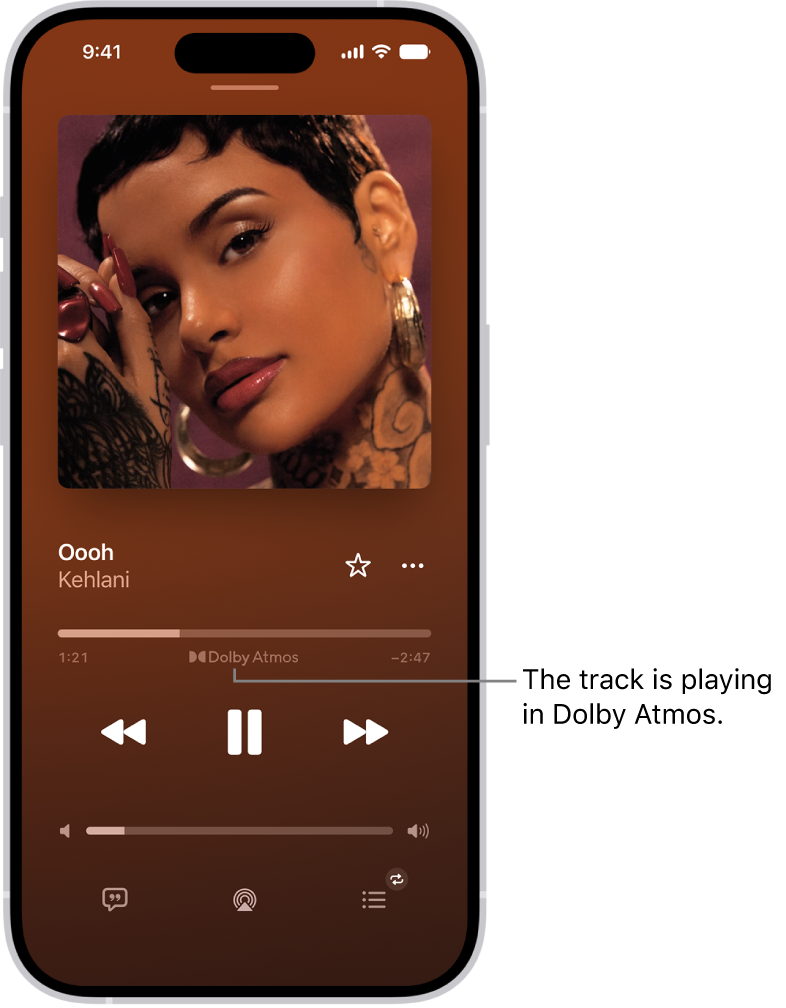
The Lossless icon appears on album pages when the music is available in lossless audio. To see the Lossless icon for music on the Now Playing screen, go to Settings > Apps > Music > Audio Quality, then turn on Lossless Audio.