You can adjust settings for AirPlay and Apple Home on Apple TV 4K, including who can use AirPlay to stream content to it. For example, you can allow everyone, anyone on the same network, or only people sharing this home, or require a password. You can also choose which room your Apple TV 4K is in.
Adjust AirPlay settings
- Go to Settings on Apple TV 4K.
- Go to AirPlay and Apple Home and then adjust any of the settings listed below.
Option Description AirPlay Turn AirPlay on or off to allow devices to stream content to this Apple TV 4K. Allow Access Set who can use AirPlay with this Apple TV 4K. See Set who can use AirPlay to stream content to Apple TV 4K. Conference Room Display Choose whether to use this Apple TV 4K as a conference room display. See Use Apple TV 4K as a conference room display. AirPlay Display Underscan If your AirPlay display appears cropped on Apple TV 4K, turn on AirPlay Display Underscan to show the entire image. If you see black bars around the image, turn this setting off. Peer-to-Peer Wireless Turning off Peer-to-Peer Wireless can save energy.
Adjust Apple Home settings
- Go to Settings on Apple TV 4K.
- Go to AirPlay and Apple Home and then adjust any of the settings listed below.
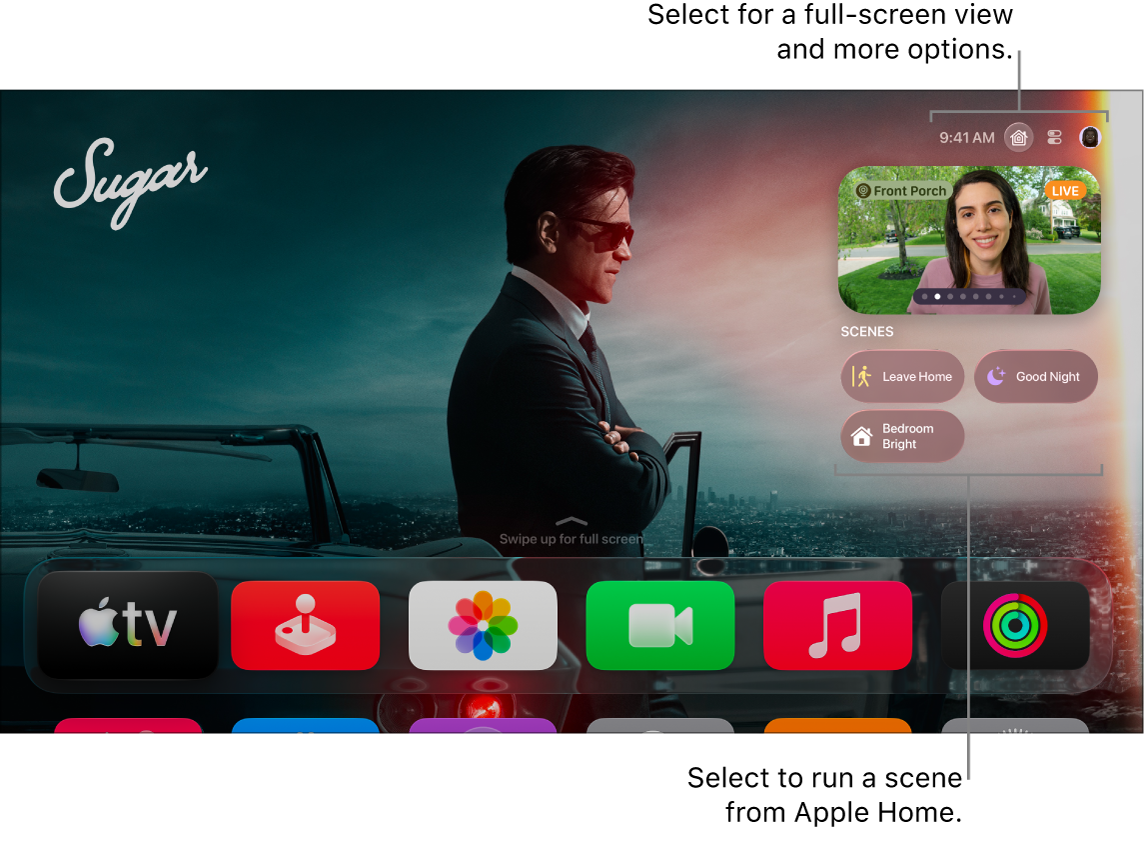
Option Description Room Select to choose which room this Apple TV 4K is in. Choose a room already listed in your Home app, or choose a room from the Suggested Rooms list. Name Select to enter a new name for this Apple TV 4K. Notifications Doorbell cameras you’ve connected with Apple Home appear in a list under Notifications. Select a camera to turn it off; select it again to turn it on. See Monitor cameras and run scenes in the Apple Home tab on Apple TV 4K.
Set who can use AirPlay to stream content to Apple TV 4K
- Go to Settings on Apple TV 4K.
- Go to AirPlay and Apple Home, select Allow Access, and then choose any of the following options:
- Everyone: Everyone can stream content to your Apple TV 4K.
- Anyone on the Same Network: Anyone connected to the same network as you can stream content to your Apple TV 4K.
- Only People Sharing This Home: Only people you’ve added to your home in the Home app can stream content to your Apple TV 4K.
- Require Password: Require a password to stream content to your Apple TV 4K. When this is turned on, you can select Password to enter your preferred password.
Not all features and content are available in all countries or regions or on all Apple TV hardware models.
See also