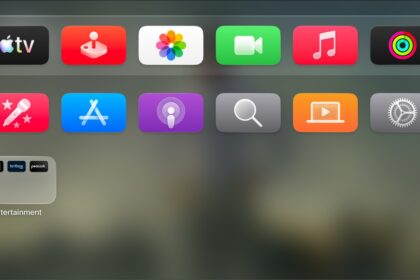
If Apple TV 4K isn’t responding, try restarting it. There are a few ways to restart Apple TV 4K: with your remote, from Settings, or by disconnecting Apple TV from the power outlet for five seconds. And if Apple TV 4K still doesn’t respond after restarting, you can reset it.
There are three ways to restart Apple TV 4K:
- Press and hold both the TV button and the Back button or the Menu button on your remote until the Apple TV 4K status light blinks rapidly.
- Disconnect Apple TV from the power outlet, wait five seconds, then reconnect it.
- Go to Settings on Apple TV 4K, go to System, then select Restart.
If Apple TV 4K still doesn’t respond after restarting, see Reset Apple TV 4K.
Not all features and content are available in all countries or regions or on all Apple TV hardware models.
See also