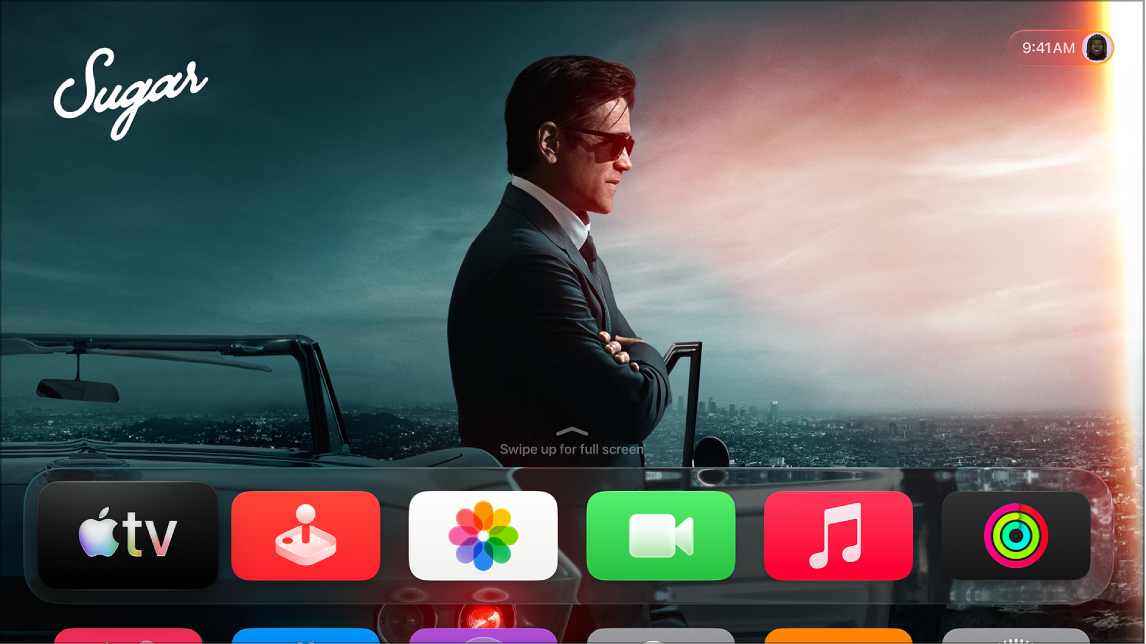
Apple TV 4K displays a screen saver after the screen is idle for a preset number of minutes, and you can choose how long Apple TV 4K is idle before it starts. You can also choose the type of screen saver you want to use, like Aerials or Snoopy, and set how often Apple TV 4K downloads new aerial screen savers. If you’d rather, you can turn it off while listening to music or podcasts. For more information on personalizing and using your screen savers, see Set up Apple TV 4K screen savers.
- Go to Settings on Apple TV 4K.
- Go to Screen Saver and then adjust any of the settings listed below.
Option Description Current Selection Choose the type of screen saver you want to use: Aerials, Memories & Slideshows, Portraits, or Snoopy. Start After Choose how long Apple TV 4K is idle before the screen saver starts. Show During Music and Podcasts Turn off to disable the screen saver while listening to music or podcasts. Aerials Set how often Apple TV 4K downloads new aerial screen savers and which aerial themes are included in your screen saver. Memories & Slideshows Set which photo albums or music album art to use as screen savers and set the transition style between photos. Portraits Set which types of portraits (People, Pets, Nature, Cities) to use as screen savers and how often to change the portrait.
Not all features and content are available in all countries or regions or on all Apple TV hardware models.
See also