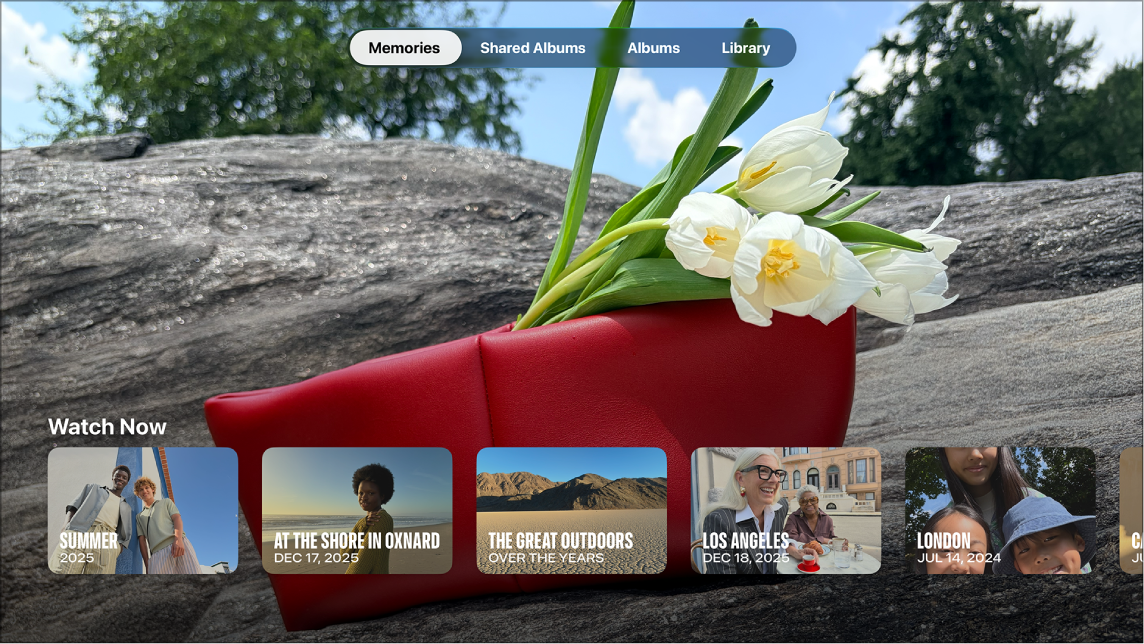
You’re able to set the screen saver on Apple TV 4K to show your photos, from curated memories and shared or personal albums to favorites or recent activity in the Photos app. You can set it up from an album in the Photos app. Settings lets you choose which memories or albums appear.
Set up a screen saver from the Photos app
- Go to the Photos app on Apple TV 4K.
- Go to Shared Albums or Albums at the top of the screen.
- Select a shared album from the Shared Albums category or an album from the Albums category, then select Set as Screen Saver and confirm.
Choose which memories or albums appear in the screen saver
- Go to Settings on Apple TV 4K.
- Go to Screen Saver > Memories & Slideshows. Then do any of the following:
- Choose which memories to include: Select Memories and then choose All Memories or Favorites.
- Choose which albums to show: Select Albums, then select Favorites, Activity, or one of the shared albums from the list.
To adjust other screen saver settings, see Adjust screen saver settings on Apple TV 4K.
Not all features and content are available in all countries or regions or on all Apple TV hardware models.
See also