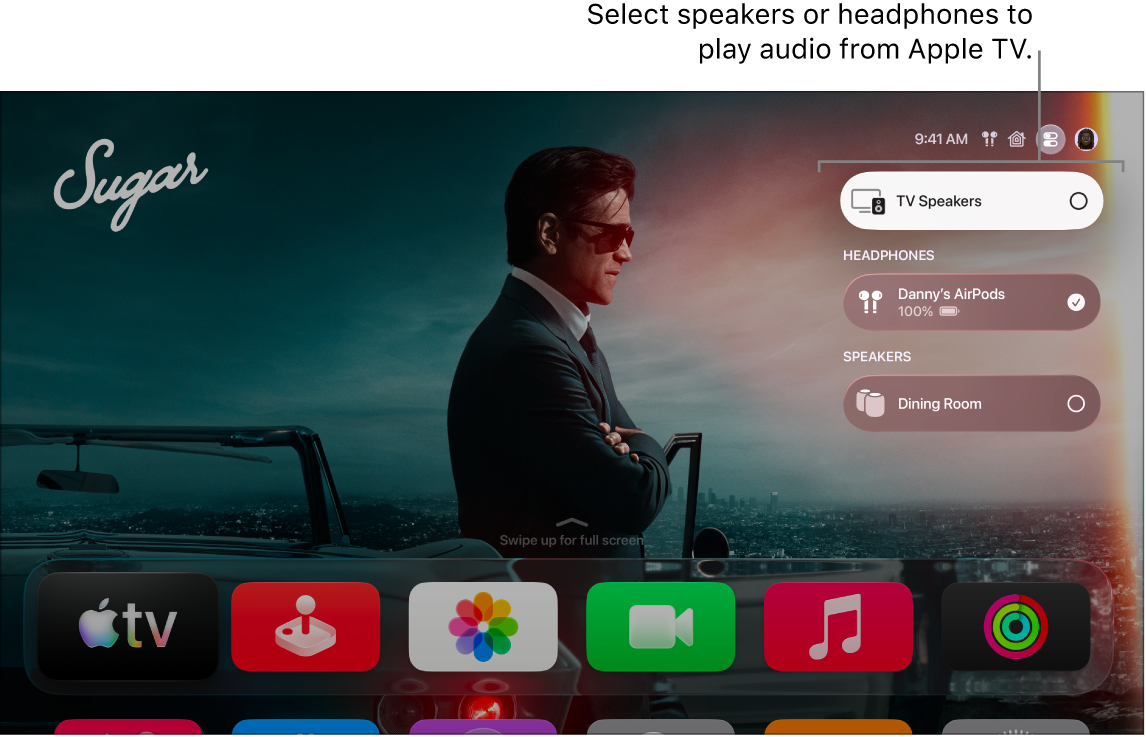
You can use your remote to adjust or mute the volume on Apple TV 4K, and it’s possible to set up your remote to control the volume of your TV, or an audio/video receiver, too. You can also change audio options during playback. Which audio options are available depends on what you’re watching or listening to.
Adjust or mute the volume
You can use your remote for any of the following:
- Adjust the volume: Press the Volume Up button or the Volume Down button.
- Mute the volume: Press and hold the Volume Down button, or press the Mute button (silver remote only).
For more information on setting up your remote to control the volume of your TV or audio/video receiver, see Use the Apple TV 4K remote to control your TV and receiver.
Change audio options during playback
- During playback, show playback controls and then select the Audio Options button.
- Choose an audio option from the pop-up menu.
Available audio options depend on what you’re watching or listening to. See Adjust audio settings during playback.
- To close the pop-up menu, press the Back button or the Menu button on your remote.
Not all features and content are available in all countries or regions or on all Apple TV hardware models.
See also