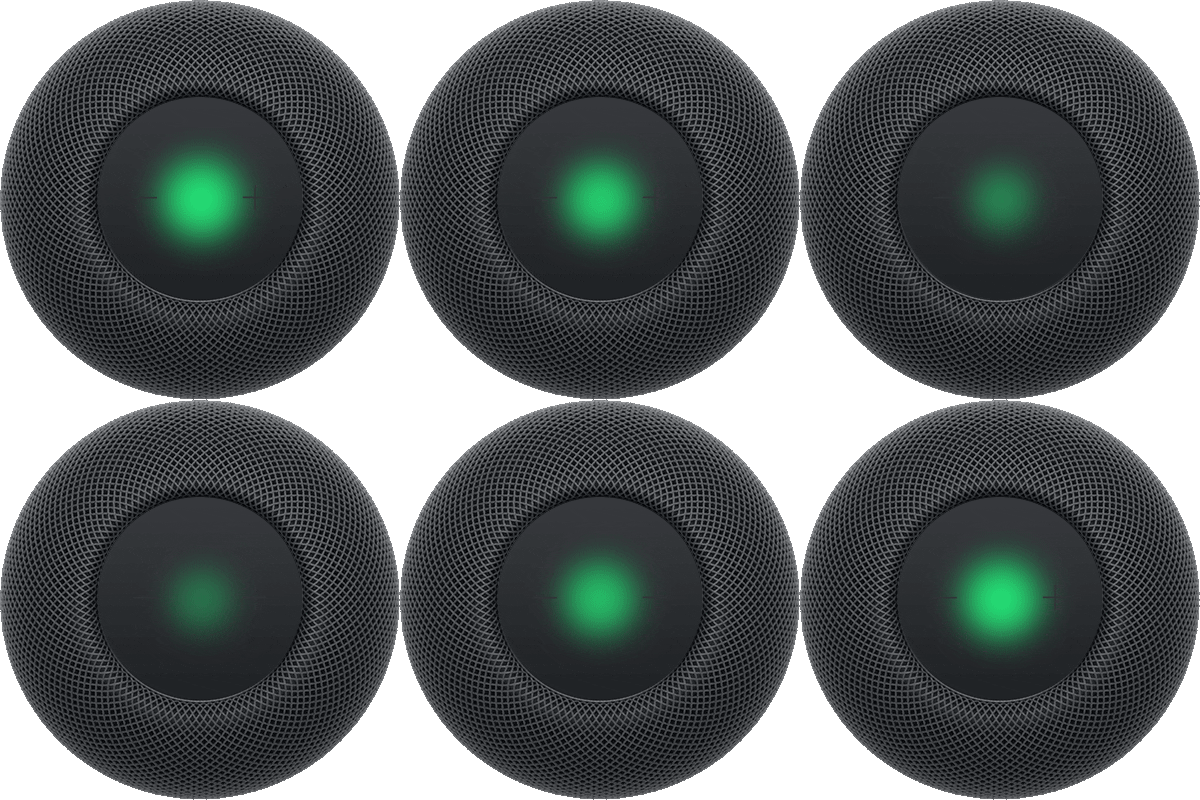
With Sound Recognition, HomePod can detect the sound of a smoke or carbon monoxide alarm in your home and alerts you by sending a notification to your iPhone, iPad, or Apple Watch. The notification says CRITICAL, shows the HomePod that detects the alarm, and remains in the Home app until the alarm sound stops.
When you check in, HomePod announces to anyone at home that someone is checking in, and you’re able to talk to those at home.
Here’s how to turn on Sound Recognition for your HomePod, and how to check in during an alarm.
Check in during an alarm
- On your iPhone, iPad, or Apple Watch, tap the notification.
The notification says CRITICAL, and shows the HomePod that detects the alarm.
Note: The notification remains in the Home app until the alarm sound stops.
- When you tap the notification, HomePod announces to anyone at home that someone is checking in.
- Tap Talk to speak to those at home. If you have a HomeKit camera in the same room as HomePod, the camera feed appears while you’re checking in.
Turn Sound Recognition on
Sound Recognition may detect smoke and carbon monoxide alarm sounds and send you notifications when recognized. Sound Recognition should not be relied upon in circumstances where you may be harmed or injured, or in high-risk or emergency situations. Sound Recognition requires the updated Home architecture.
- Start the Home app on your iPhone or iPad.
- Tap the More button, then tap Home Settings.
- Tap Safety & Security.
- Tap Sound Recognition. Turn on Smoke & CO Alarm.
This guide is for HomePod software version 27 or later.
See also