So, you block a number on your iPhone and then later you change your mind. Now you want to unblock that number so that you can get calls and texts from it. Thankfully, unblocking a number on an iPhone is very easy. Here is how:
How to review your blocked list
You can see and review your blocked contacts on an iPhone. This list lets you add new contacts to the list or remove contacts from the list. Thankfully, there are many ways. Here is how.
- Go to Settings > Apps > Phone > Blocked Contacts.
- Or go to Settings > Apps > Messages > Blocked Contacts.
- Or tap Settings > Apps > FaceTime > Blocked Contacts.
Unblock a blocked contact on an iPhone
There are a lot of ways:
In the FaceTime app:
- Open the FaceTime app on your iPhone.
- Tap the Info (i) button next to the name or number you want to unblock.
- Scroll down to the bottom of the card and then tap "Unblock Caller".
In the Phone app:
- Open the Phone app on your iPhone:
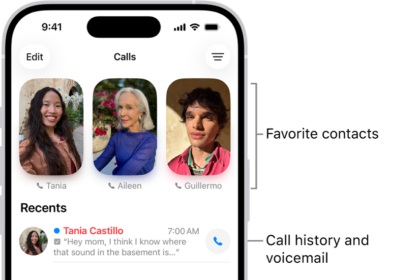
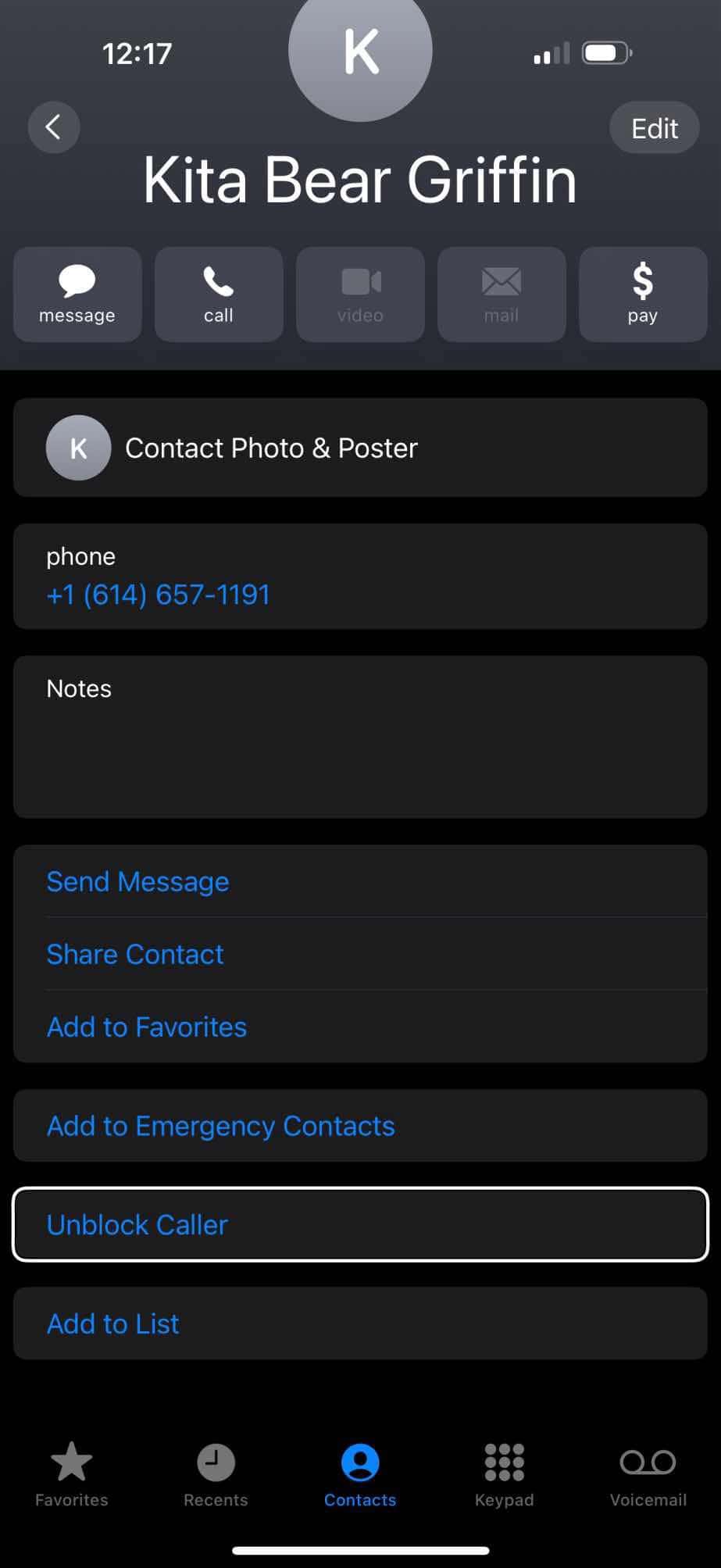
- Go to Favorites or Recents and then tap the Info button next to the contact or number you want to Unblock. Or tap Contacts and then tap the name you want to unblock.
- Scroll down and tap "Unblock Caller".
In the Messages app:
- Open Messages on your iPhone.
- Open the message from the person you want to unblock.
- Tap the contact name or number at the top.
- Tap the Info (i) icon.
- Tap the name, number, or email.
- Scroll down and then tap "Unblock Caller".
In the Settings app:
- Open the Settings app on your iPhone.
- Tap Apps, then tap Phone.
- Tap Blocked Contacts, then tap Edit.
- Tap the Remove button, then tap Unblock.