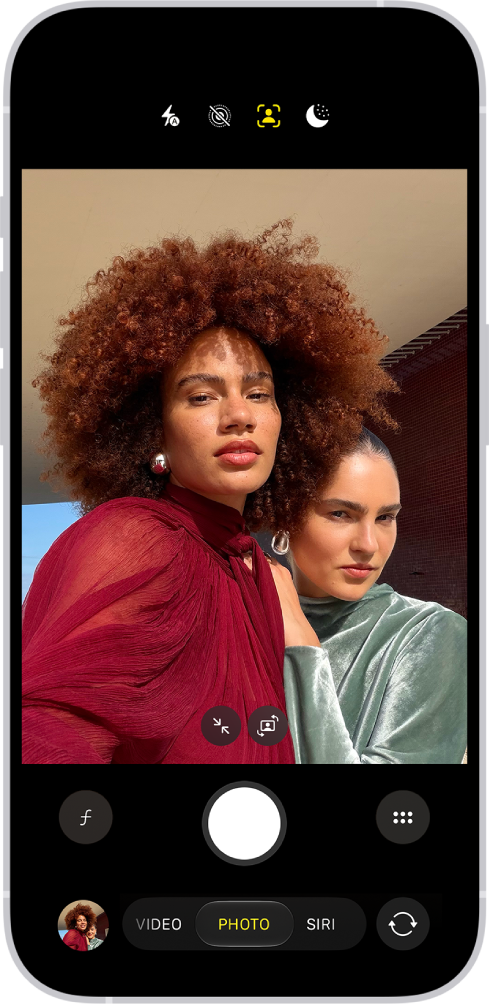
On supported iPhone models, you can take spatial photos and record spatial videos, and then relive the memories in three dimensions in the Photos app with Apple Vision Pro. It’s a separate mode in Camera, called Spatial, and you rotate your iPhone to landscape orientation to use it.
Take spatial photos and record spatial videos
- Open Camera on your iPhone.
- Swipe right on the screen to select Spatial mode.
- Rotate your iPhone to landscape orientation.
- Tap the Spatial Photo button or the Spatial Video button to take a spatial photo or record a spatial video.
- For best results, do the following:
- Keep your iPhone steady and level.
- Frame your subjects 3 to 8 feet from the camera.
- Use lighting that is even and bright.
- Tap the Shutter button or Record button to take a photo or begin recording a video.
After you take a spatial photo or video, the Photos app on your Apple Vision Pro shows it in three dimensions. On any of your other Apple devices, you can view and share spatial photos and videos the same way you would regular photos and videos. If you’re signed in to the same Apple Account with iCloud Photos turned on, spatial photos and videos sync to all your devices.