





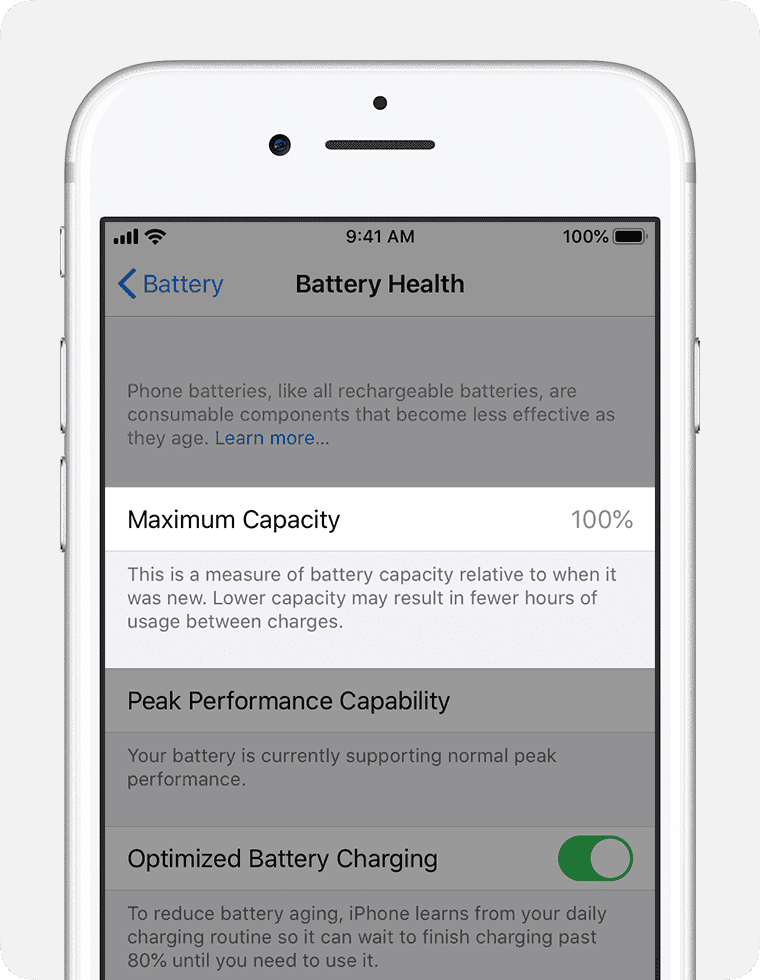
Did you update your iPhone to iOS 26 and notice that the maximum capacity on your iPhone battery health just dropped?
It went down by 1, 2, 3, or even 4%.
And now you’re probably thinking, ”Is iOS 26 destroying my battery?”
What’s going on?
Why is this happening?
Well, let me explain. It’s actually easier than you think.
Let’s get started.
When you open up your iPhone out of the box, its battery health is going to be at 100%. It’s going to be at 100% for a few days, weeks, and sometimes months if you take care of your iPhone battery. After a while, it’s going to start dropping — 99, 98, 95, etc.
If you go to Settings > Battery > Battery Health & Charging, the number you see represents the current capacity it has compared to when it was new. For example, if it says 95%, it means that you lost 5% of your capacity. So, the maximum your battery can give you is 95% of what it originally had when you opened it up out of the box on the first day. This number is automatically calculated by iOS and it updates automatically.
So, how does iPhone calculate battery health?
It’s so simple: using battery cycles.
When you use your iPhone, its battery goes through charge cycles. According to Apple, you complete one charge cycle when you’ve used an amount that represents 100 percent of your battery’s capacity. A complete charge cycle is normalized between 80 percent and 100 percent of original capacity to account for expected diminishing battery capacity over time.
If you go to Settings > General > About, then scroll all the way down, you’ll see Battery. This is where you can check the battery cycle count of your iPhone. Please note this section is only available in the iPhone 15 series.
With the cycle count information, iOS will be able to calculate your maximum capacity percentage.
So, now you know what maximum capacity is and how iOS calculates it.
Why is my battery health dropping after iOS 26?
Well, the explanation is super simple.
Your battery health did not drop because of iOS 26. The maximum capacity is recalculated every time we update the software. Every time we update the iOS software, it runs some checks. During those checkups, it includes the battery. That’s when iOS will calculate, see your battery cycle count, and then update this number. So, when we update the software and see this number drop, it’s just a number update. The battery itself is not being degraded in any way.
Let me give you a clear example. My iPhone 15 Pro Max’s maximum capacity is currently at 94%. Before iOS 26, I was at 96%. And then I updated and lost 2%, but I didn’t actually lose 2%. It means that my iPhone was already at 94% when I was on iOS 17. And then when I updated to iOS 26, it updated the number, and it went from 96 to 94. But my battery didn’t decrease because of iOS 26. It just updated the number. The battery is exactly the same. It was already, as a matter of fact, at 94%, but it needed iOS 26 to recalculate and show me the current number, even though the battery is exactly the same.
Don’t worry about maximum capacity. iOS 26 did not degrade your iPhone battery health. It just recalculated and updated the number. Simply pay attention to your battery itself.
See also: How to fix iPhone battery drain after iOS 26 update












oh that’s it folks time to get the iphone 20 going at $7,000