How to get information about places in Maps on iPhone
You can tap places in Maps on iPhone to see their address, phone number, website,…
How to change your Journal settings on iPhone
You can change Journal settings on iPhone, including Journaling Suggestions, their privacy settings, and your…
How to manage passes, cards, and keys in Wallet on iPhone
You can see details for passes, cards, and keys in Wallet on iPhone, search transactions,…
How to view your sleep history in Health on iPhone
You can view your sleep history in Health on iPhone by week or month, from…
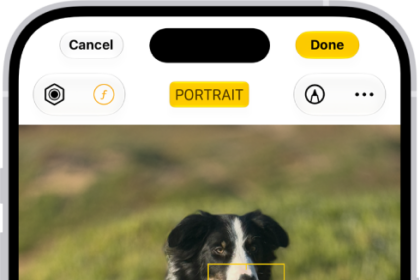
How to edit Cinematic mode videos on iPhone
You can adjust or remove Cinematic mode effects in Photos, change the focus, and add…
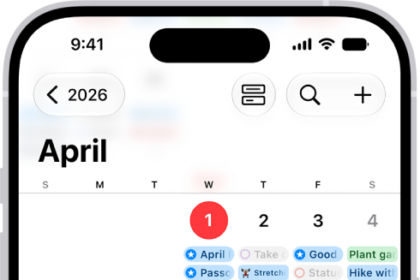
How to change how you view events in Calendar on iPhone
You can view Calendar events on iPhone by month, week, or several days at once,…
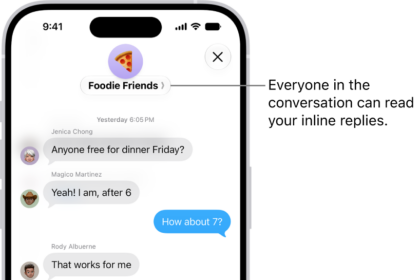
How to send and reply to messages on iPhone
You can send messages and images on iPhone, reply inline to a specific message, send…
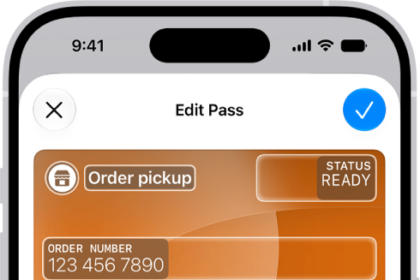
How to create passes in Wallet on iPhone
You can create your own passes in Wallet on iPhone from a card, photo, or…
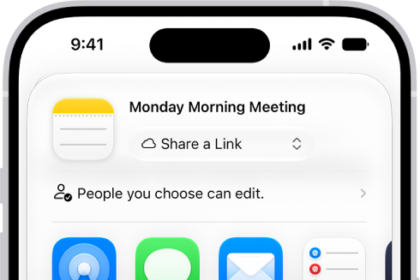
How to export or print notes on iPhone
You can open a note in Pages, export it as a PDF, or print it…
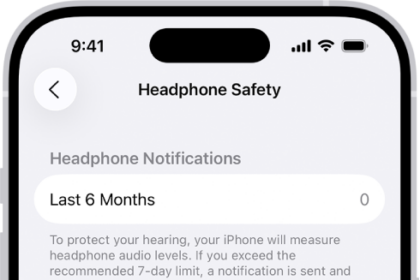
How to check your headphone audio levels on iPhone
You can check your live headphone audio levels in Control Center on iPhone and review…