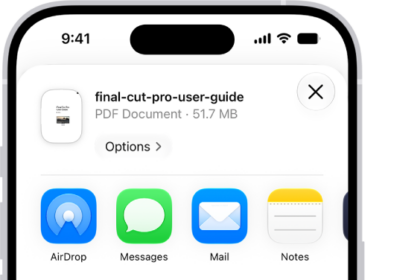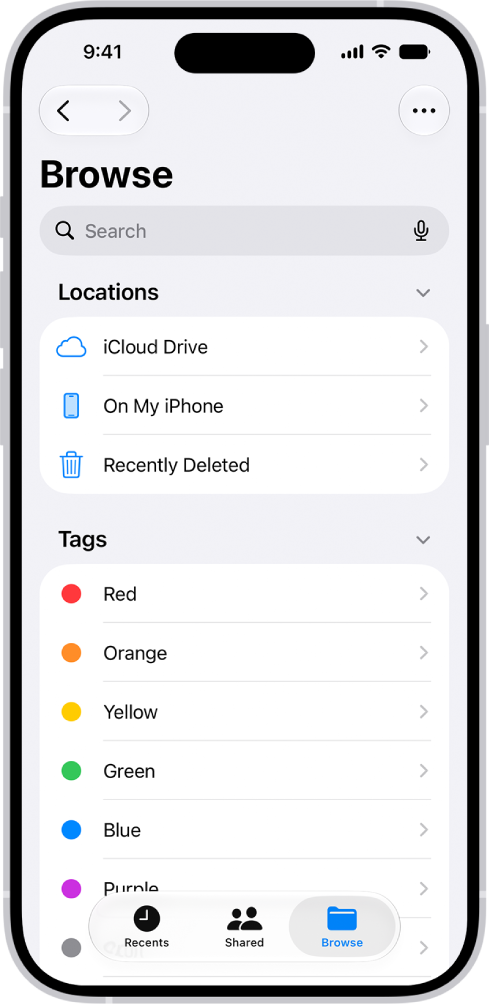
On iPhone, in the Files app, you can locate and view your files, organize and rearrange them in folders, compress, rename, and share them with friends, transfer them to and from iCloud Drive and other devices, and more. You can browse iCloud Drive, view files you opened recently in Recents, or see shared files in Shared.
- Open the Files app on your iPhone.
- Do any of the following:
- View files downloaded from email or the internet: Tap Browse, then tap Downloads in the sidebar.
- Browse your files: Tap Browse, then tap iCloud Drive.
- View files you opened recently: Tap Recents.
- View shared files: Tap Shared.
- Copy, move, share, or delete a file or folder: Locate the file or folder, touch and hold it, then tap Copy, Move, Share, or Delete.