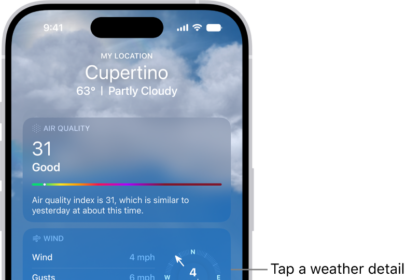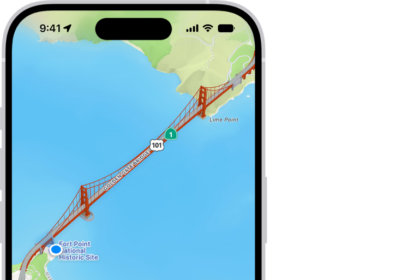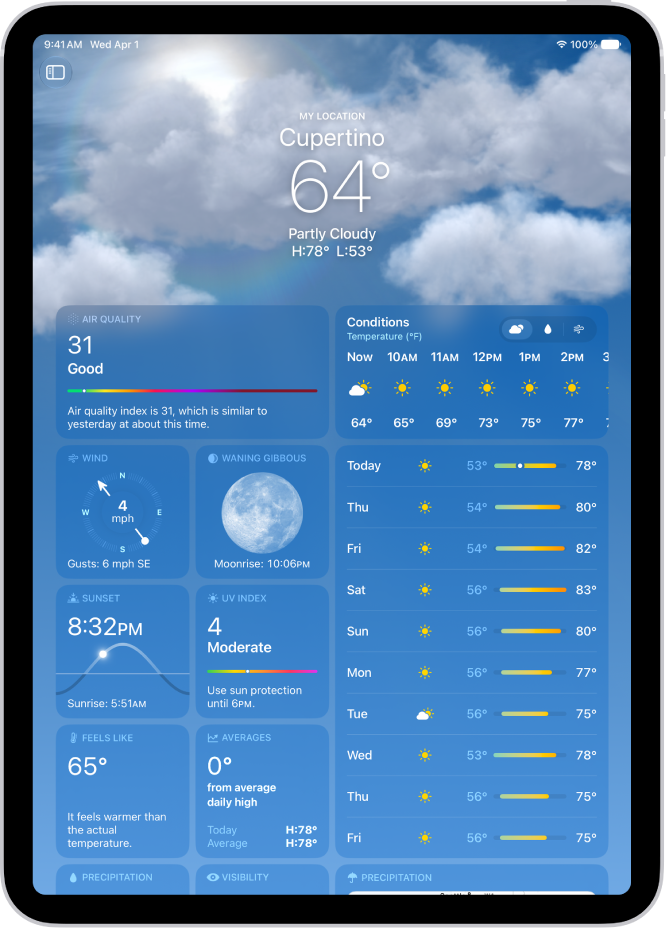
On iPad, you can find out about the weather and air quality in Maps. On the map, an icon shows the current conditions for that area, and in some regions, the air quality index (AQI) also appears. You can also turn off air quality or weather information in Maps, and view weather maps on iPad.
Note: Air quality and weather data aren’t available in all countries or regions.
Find out about the weather and the air quality
- Go to the Maps app on your iPad.
- Zoom in on a map until the weather icon appears in the bottom right.
The icon shows the current conditions for that area. In some regions, the air quality index (AQI) also appears in the lower-right corner.
- To get the hourly forecast, touch and hold the weather icon. Tap the hourly forecast to get a multiday forecast in the Weather app.
If you don’t want to get air quality or weather information in Maps, go to Settings > Apps > Maps, then turn off Air Quality Index or Weather Conditions.
See also