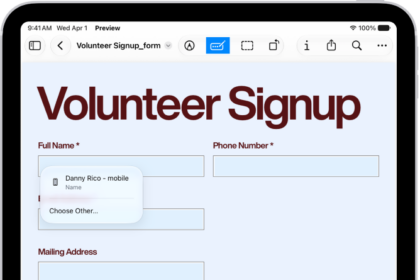
On iPad, you can copy, highlight, underline, or strike through text in a PDF file. You can also annotate a PDF or image with stickers, signatures, shapes, or text.
You can draw with an Apple Pencil on a compatible iPad, or with your finger. Any change can be undone, too, and text you copy can be pasted into another document or app.
Here’s how to annotate a PDF or image in Preview on iPad.
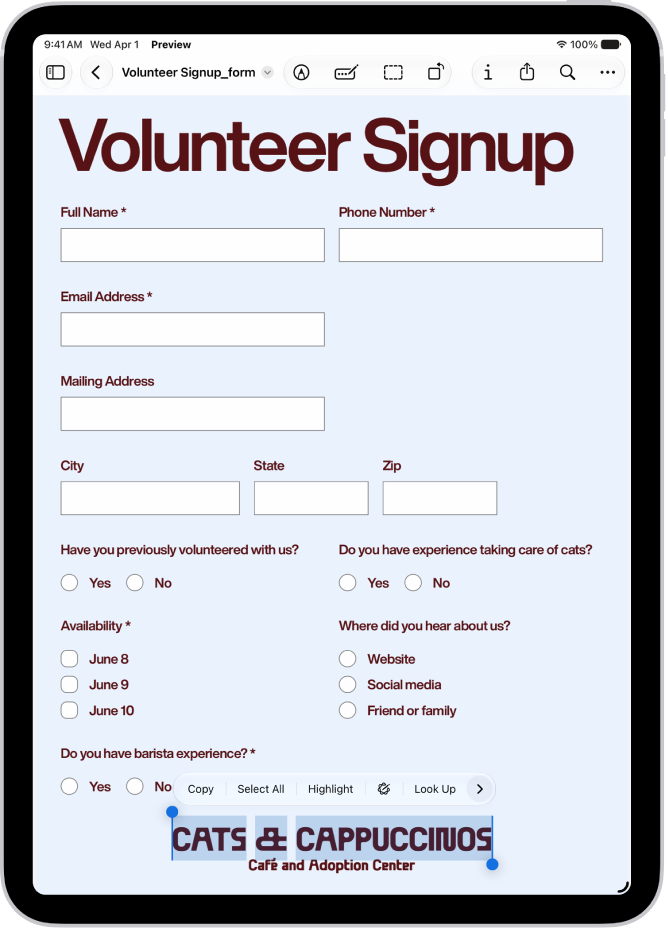
Select and copy text
- Start the Preview app on your iPad.
- Open a PDF.
- To select text, touch and hold the first word and then move the grab points.
- To copy the selection, tap Copy.
You can then paste the text into another document or app. See Select, cut, copy, and paste text.
Highlight, underline, or strike through text
- Start the Preview app on your iPad.
- Open a PDF.
- Drag to select text and then tap Highlight.
- Choose a highlight color, or tap the underline or strike through button.
Add an annotation

- Start the Preview app on your iPad.
- Open a PDF or image.
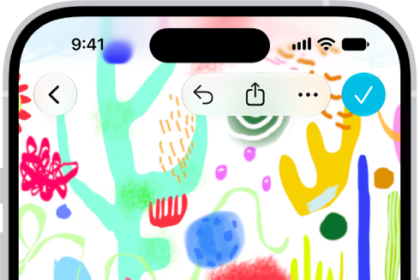
- Tap the Markup button at the top of the screen and tap the Add button at the bottom of the screen. Choose an option, such as a sticker, signature, shape, or text. For images, you can also add an image description or a loupe.
Tip: You can use an Apple Pencil (with a compatible iPad) or draw with your finger. See Apple Pencil compatibility with iPad models.
To undo a change, tap the Undo button to the left of the annotation tools.
See also