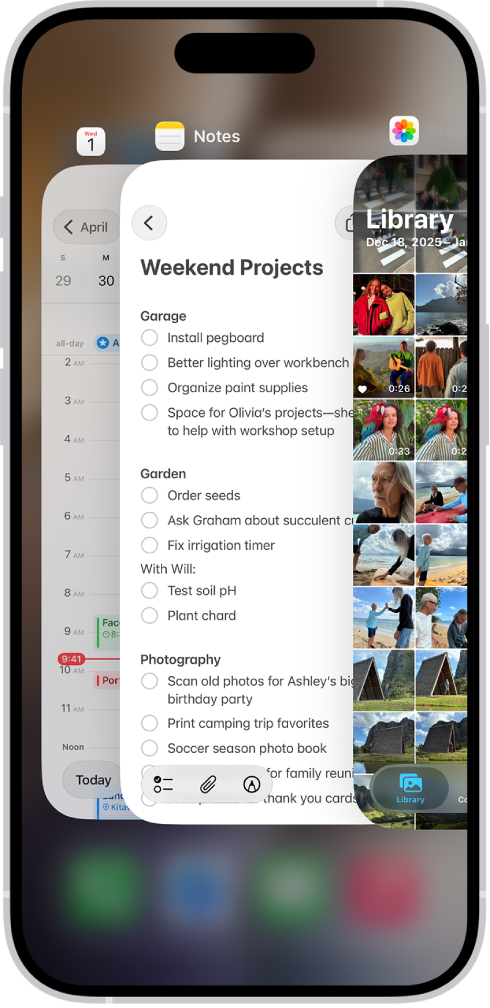
After 1 second of inactivity, the App Switcher can automatically open the focused app on your Apple Watch, thanks to an accessibility setting called Auto-Select Focused App. It’s optional, and you can still open an app from the App Switcher yourself.
Turn on or off Auto-Select Focused App
- Start the Settings app on your Apple Watch.
- Go to Accessibility and turn on or off Auto-Select Focused App.
See also