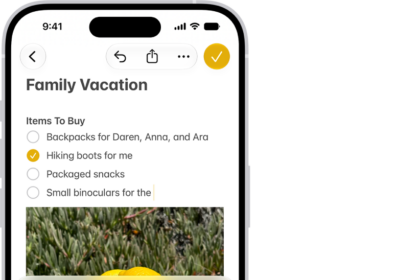
You can use the Journal app on iPhone to record your experiences. You can add photos, music, drawings, audio recordings, and even your current state of mind.
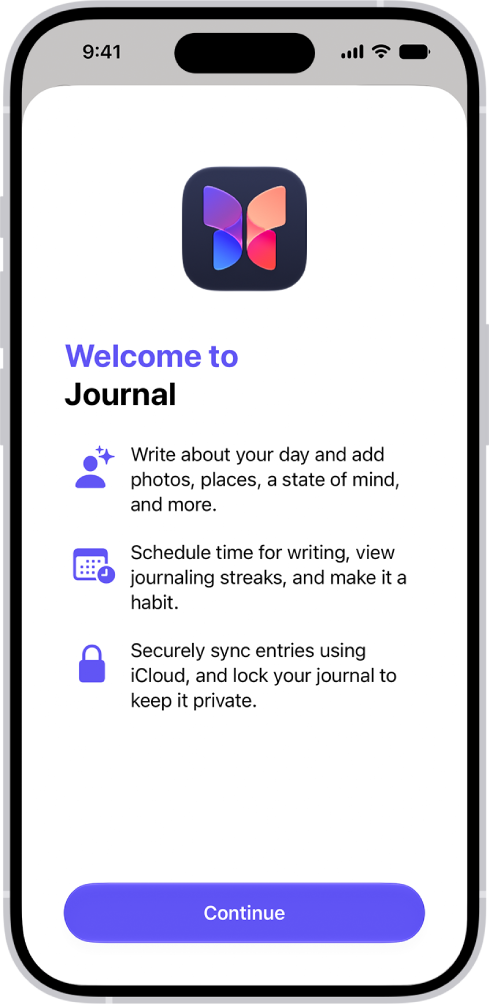
The first time Journal opens, customized journaling suggestions can be turned on. After that, you choose a journal and start writing, or start from a journaling suggestion or reflection prompt. You can review your journal entries later, and keep your journal private, too.
Here’s how to get started with Journal on iPhone.
Set up Journal
To turn on and get customized journaling suggestions, follow the onscreen instructions the first time you open Journal.
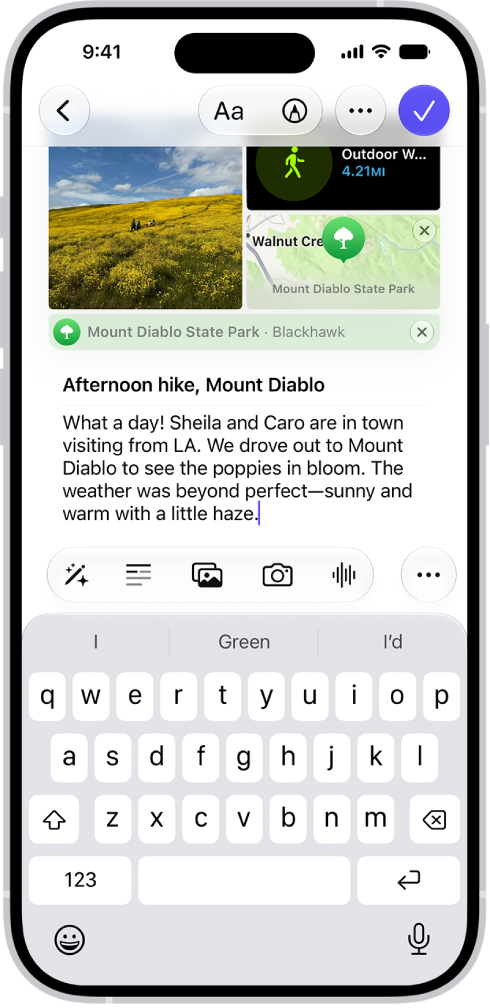
Create a journal entry
Choose a journal, then tap the Create an Entry button. Start writing or choose a journaling suggestion or reflection prompt.
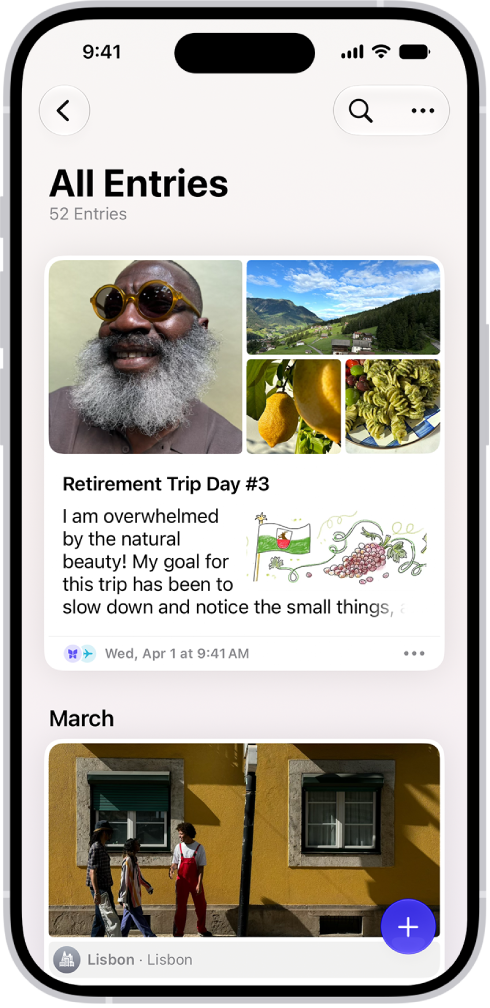
Review your journal entries
Scroll through your journal to see previous entries. To find specific entries, tap the Search button, then either choose a category such as Photos or Drawings, or type the text you’re looking for. To find entries for a specific day, tap the Calendar button, then tap a date on the calendar.
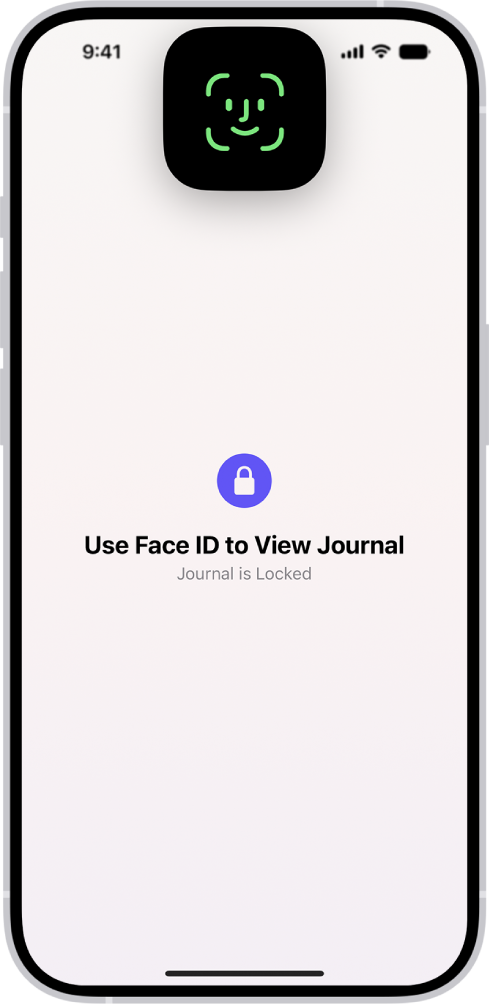
Keep your journal private
Protect your journal with Face ID, Touch ID, or your passcode, so you’re the only one who can access it.