With GymKit, your iPhone can pair and sync data with compatible gym equipment such as treadmills, ellipticals, indoor bikes, and more, so you can get more accurate information about your workout. You can also choose media for a GymKit workout and use Workout Buddy.
Once GymKit is on and your iPhone is connected to the equipment, you can start a workout.
Here’s how to use gym equipment in Fitness on iPhone.
Turn on GymKit
- Start the Fitness app on your iPhone.
- Tap Summary, then tap your picture or initials.
- Tap GymKit, then turn on Detect Gym Equipment.
Connect and start a workout with gym equipment
- Hold your iPhone within a few centimeters of the contactless reader on the gym equipment.
- Tap Continue. Then tap the GymKit workout you want to start.
Note: If you’re starting a workout from the Lock Screen, you may need to unlock your iPhone.
- Press Start on the gym equipment to begin.
To end the workout, go to the Fitness app, swipe up from the bottom of the screen, then tap End Workout.
Start a GymKit workout in the Fitness app
- Start the Fitness app on your iPhone.
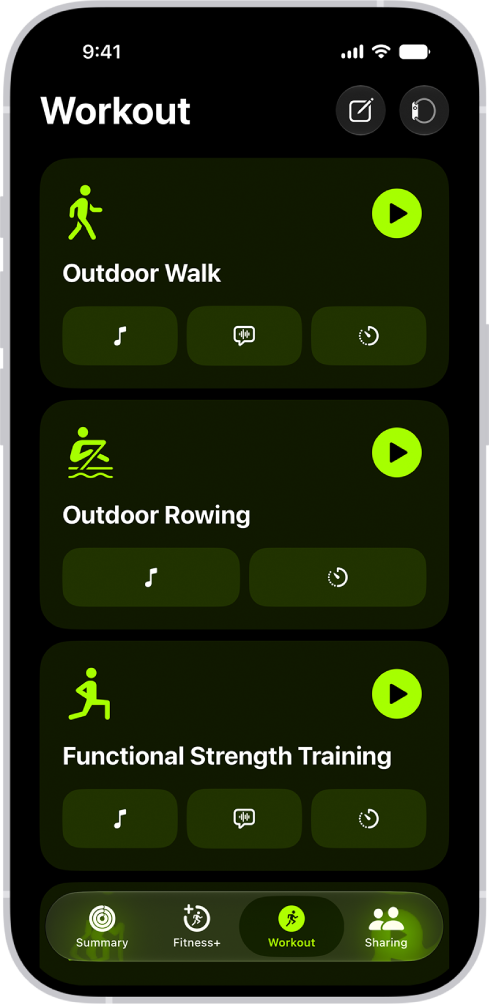
- Tap Workout and scroll to the bottom of the screen. Then tap GymKit.
- Tap a workout. Then hold your iPhone within a few centimeters of the contactless reader on the gym equipment.
- Press Start on the gym equipment.