On iPhone, you can set the Photos app to show certain people, days, and holidays less frequently or not at all in your memories, featured photos, and the Photos widget. You can also turn off memories and featured photos in the Photos app and the widget on your iPhone Home Screen.
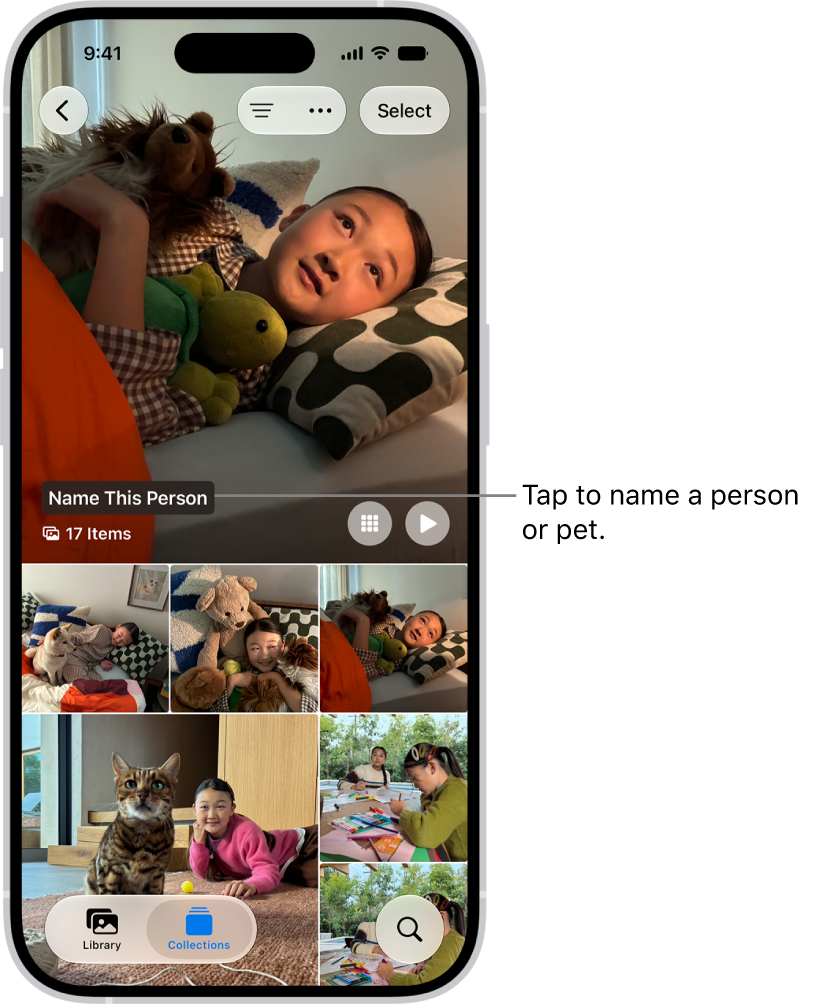
For a person, you can choose Feature This Person Less or Never Feature This Person, and you can feature them again later.
Show a person less frequently or not at all
- Start the Photos app on your iPhone.
- Open a photo of the person you want to show less often.
- Tap the More button, then tap Don’t Feature a Person.
If there’s more than one person in the photo, tap the person you want to feature less, then tap Next.
- Choose Feature This Person Less or Never Feature This Person.
- Tap Confirm.
To feature someone again, tap Collections , tap your account in the top-right corner, then tap Reset People & Pets Suggestions.
Turn off memories, holidays, and other featured content
In the Photos app, you can turn off memories or featured photos, and keep holiday events in your home country or region out of memories and featured content.
- Start the Photos app on your iPhone.
- Tap Collections.
- Tap your account in the top-right corner.
- Do any of the following:
- Hide featured content and memories: Turn off Show Featured Content to prevent Photos from automatically generating featured photos and memories.
- Turn off holiday events: Turn off Show Holiday Events to prevent Photos from creating memories and featured content about holidays.