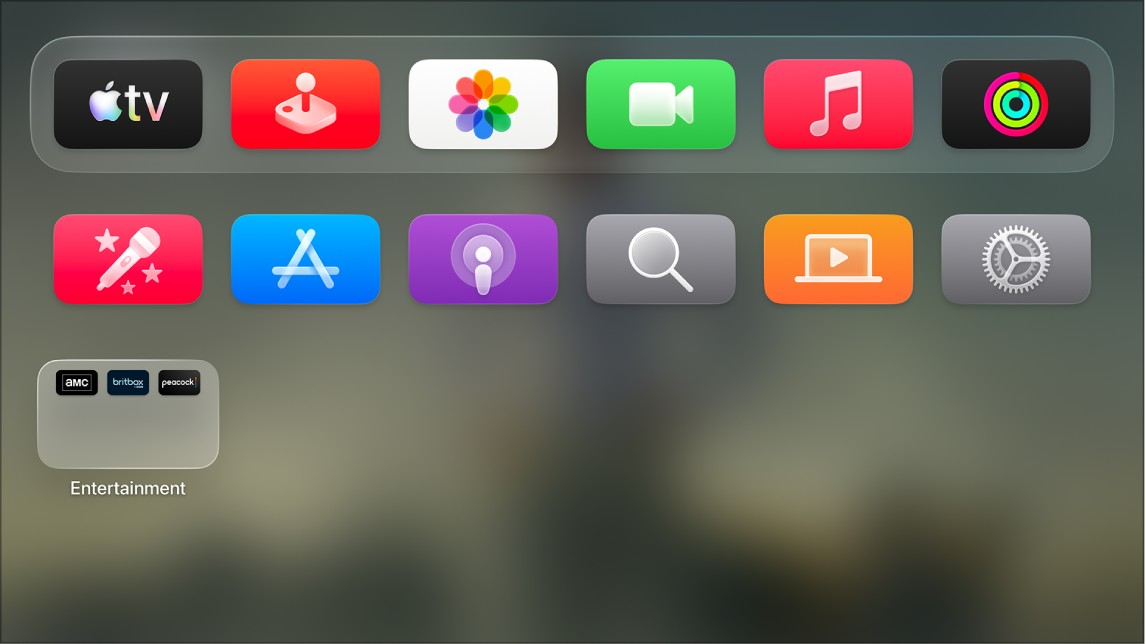
There are three ways you can increase the screen contrast on Apple TV 4K to make items easier to see. Reduce Transparency improves legibility by reducing transparency and blur on some backgrounds, and Increase Contrast boosts color contrast between app foreground and background colors. It’s also possible to give highlighted items a high-contrast focus style.
- Go to Settings on Apple TV 4K.
- Go to Accessibility > Display and then do any of the following:
- Turn on Reduce Transparency to increase legibility by reducing transparency and blur on some backgrounds.
- Turn on Increase Contrast to increase color contrast between app foreground and background colors.
- To increase the contrast of highlighted items, select Focus Style, then choose High Contrast.
Not all features and content are available in all countries or regions or on all Apple TV hardware models.