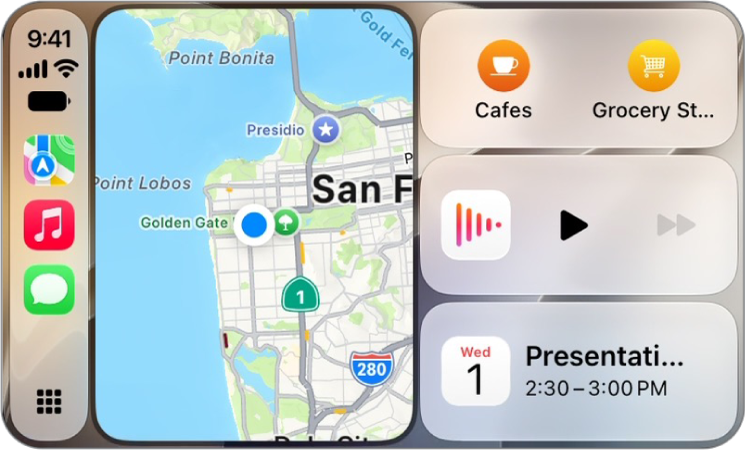
On iPhone, use CarPlay to listen to Apple News Today audio briefings and, if you’re an Apple News+ subscriber, audio versions of select news stories. If you aren’t a subscriber, you can listen to story previews.
Getting started is simple. You can use your vehicle’s built-in controls to open News and select a story to play.
Note: News doesn’t always appear in the recent apps list on the left of CarPlay Dashboard. In that case, tap the Home button, and you’ll see pages of all of your CarPlay apps there, News among them.
To control playback, you can also use CarPlay Dashboard, the buttons on the Now Playing screen, or the controls on your vehicle’s steering wheel.
Note: CarPlay isn’t available in all countries or regions.
| Button | Description |
|---|---|
 | Pause playback. |
 | Play the current story. |
| Skip to the next story. | |
 | Jump back 15 seconds. |
| Choose a faster or slower playback speed. |