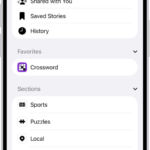
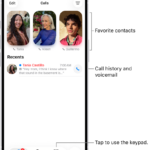
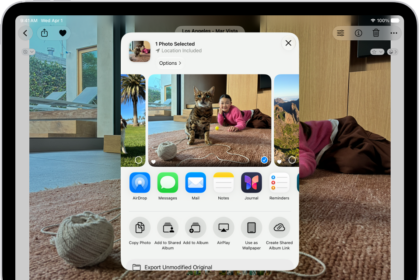
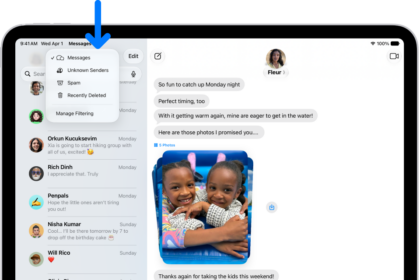
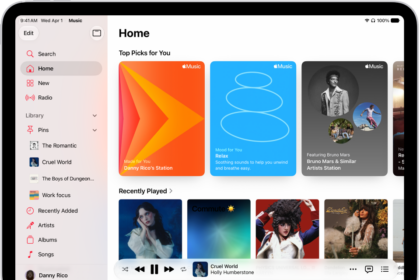
You can quickly open an app on your iPad from the Dock, one of your Home Screen pages, or App Library, and the app opens full screen. You can also open multiple apps at once and work in more than one app at a time.
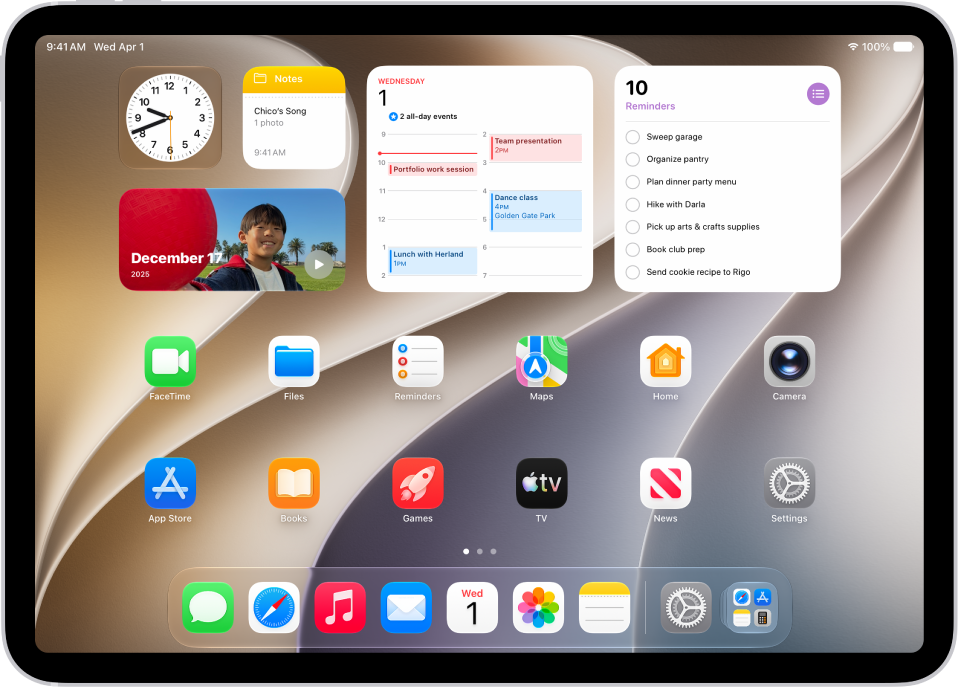
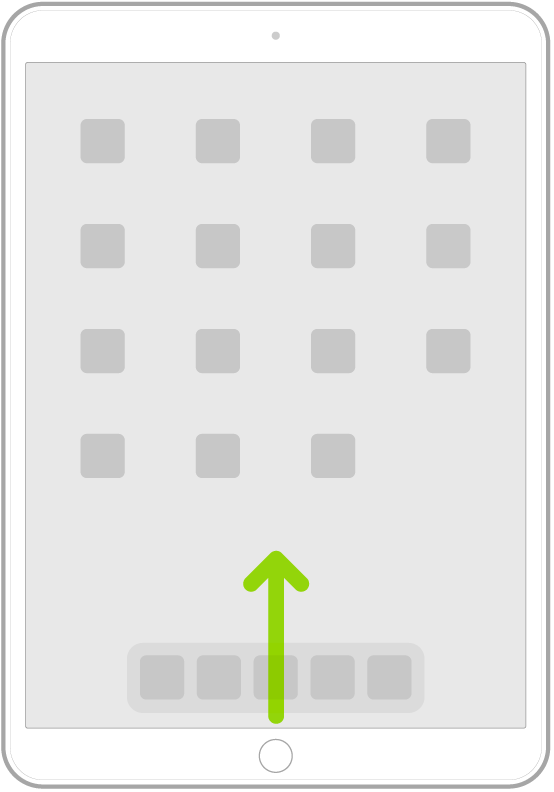
- To go to the Home Screen, swipe up from the bottom edge of the screen.
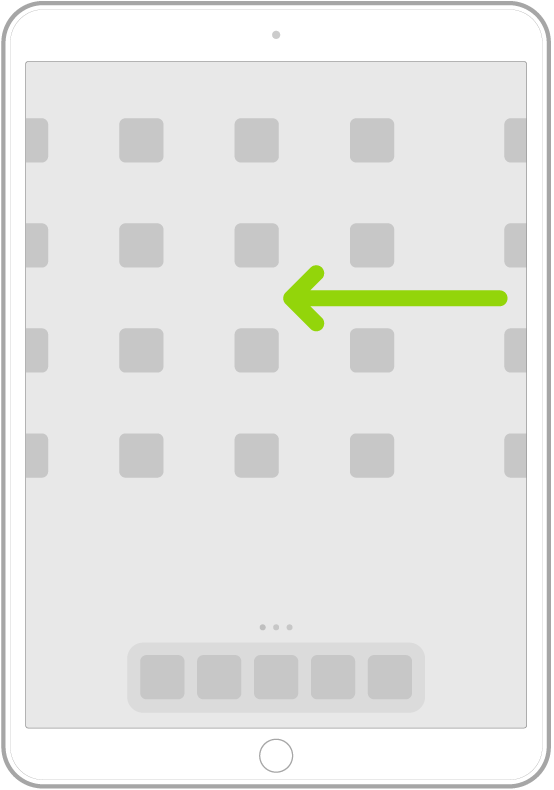
- Swipe left or right to browse apps on other Home Screen pages.
- To open an app, tap it.
- To return to the first Home Screen page, swipe up from the bottom edge of the screen.
Note: You can open multiple apps and work in more than one at once; read our guide, Work with multiple apps at once.
See also