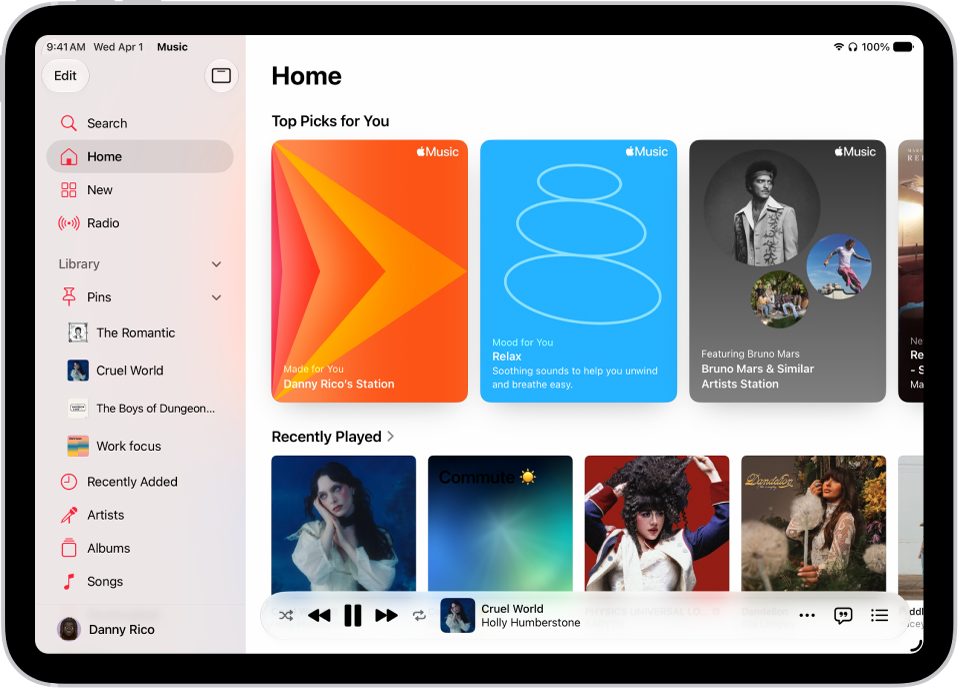
On iPad, when a friend shares music with you in the Messages app, you can easily find it in Shared with You in the Music app. You can listen to a song, reply to whoever shared it, or add it to your library.
Note: This requires Music to be turned on in Settings > Apps > Messages > Shared with You, and also, your friend has to be in your contacts list in Contacts.
- Open the Music app on your iPad.
- Tap Home in the sidebar and swipe up to Shared with You. Do any of the following:
- Tap a song to listen to it.
- Tap the name of the person, people, or group that shared the song to reply to them using Messages.
- Touch and hold the song to take other actions—for example, add it to your library, create a station, reply to the sender, or remove it.
See also