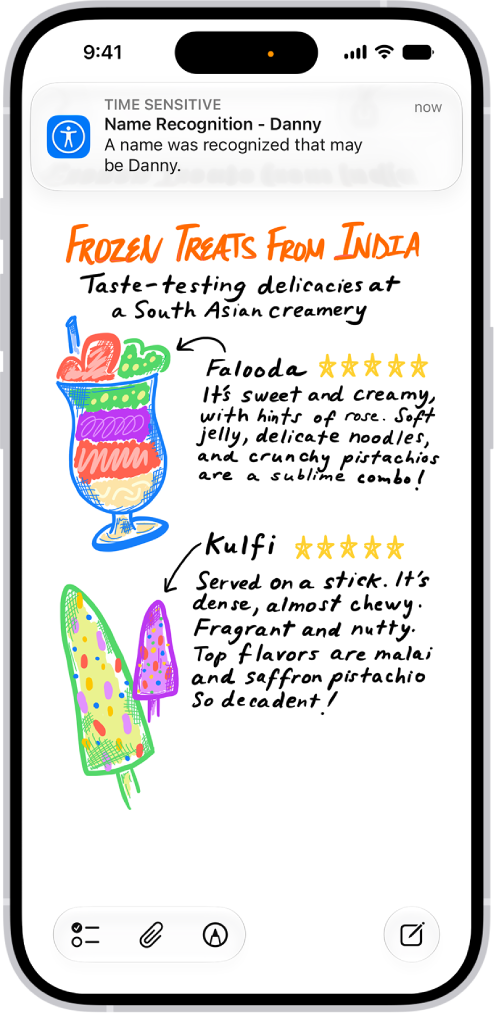
Apple Watch can continuously listen for certain sounds—such as a doorbell, siren, or crying baby—and notify you when it recognizes these sounds.
It works on Apple Watch Series 12 and Apple Watch Ultra 4, and your iPhone may need to download the available sounds first.
Here’s how to recognize sounds using Apple Watch.
Note: Sound recognition is available on Apple Watch Series 12 and Apple Watch Ultra 4. Don’t rely on your Apple Watch to recognize sounds in circumstances where you may be harmed or injured, in high-risk or emergency situations, or for navigation. For more information, see Important safety information for Apple Watch.
Set up Sound Recognition
- Start the Settings app on your iPhone.
- Tap Accessibility, tap Sound & Name Recognition, tap Sound Recognition, and turn on Sound Recognition.
Note: After you turn on Sound Recognition, you may need to wait for your iPhone to download the available sounds to your device.
- Tap Sounds and turn on the sounds you want your Apple Watch to recognize.
Turn off Sound Recognition on Apple Watch
- Start the Settings app on your iPhone.
- Tap Accessibility, scroll down to Hearing, and tap Sound & Name Recognition.
- Tap Sound Recognition. Then turn off Detect using Apple Watch.
See also