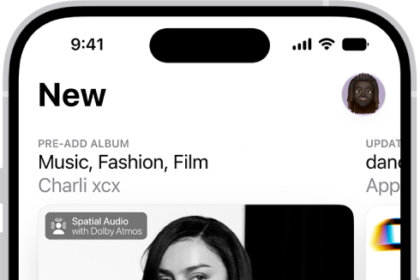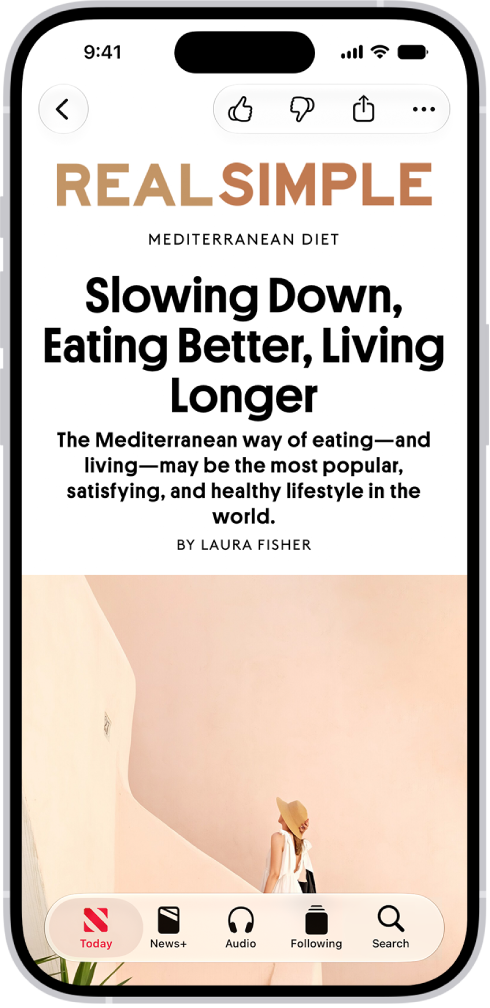
On iPhone, you can save news stories to read later. Apple News+ subscribers can read saved stories in Offline Mode. You can save a story when reading a story, and read a saved story later in the News app on your iPhone.
Save a story
- Start the News app on your iPhone.
- When reading a story, tap the More button, then tap Save Story.
Read a saved story
- Start the News app on your iPhone.
- Tap Following and tap Saved Stories. Tap the story.
Delete a saved story
- Start the News app on your iPhone.
- Tap Following, tap Saved Stories, and do one of the following:
- Delete one story: Swipe the story left.
- Remove all saved stories: Tap Clear and then tap Clear Saved Stories.