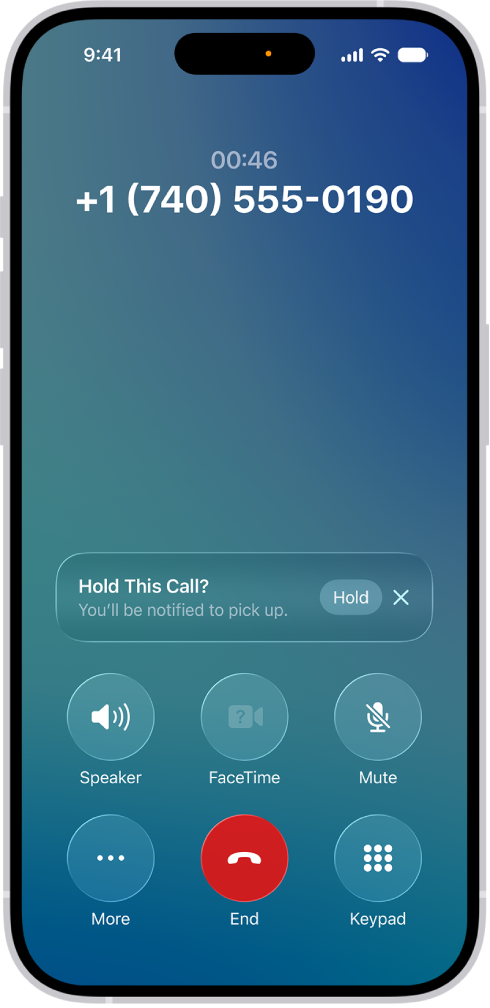
You can set up call waiting on iPad if you have cellular service through a GSM network, and if your cellular service is through a CDMA network, your carrier has information about setting up call waiting. Without it, incoming calls go directly to voicemail while you’re on a call.
On models with Dual SIM, it works only for calls on the same line, except when the other line has Wi-Fi Calling on and a data connection is available. You can also change your voicemail greeting and settings.
- Start the Settings app on your iPad.
- Tap Apps, then tap Phone.
- Tap Call Waiting, then turn on Call Waiting.
If you’re on a call and call waiting is turned off, incoming calls go directly to voicemail.
On models with Dual SIM, call waiting works only for incoming calls on the same line, unless the other line has Wi-Fi Calling turned on and a data connection is available. See Set up cellular service.
See also