How to sign in with fewer CAPTCHA challenges on iPhone

You can sign in with fewer CAPTCHA challenges on iPhone, since iCloud can privately verify your device and account, and turn it on or off.

By Moses Johnson - Editor
0 Min Read

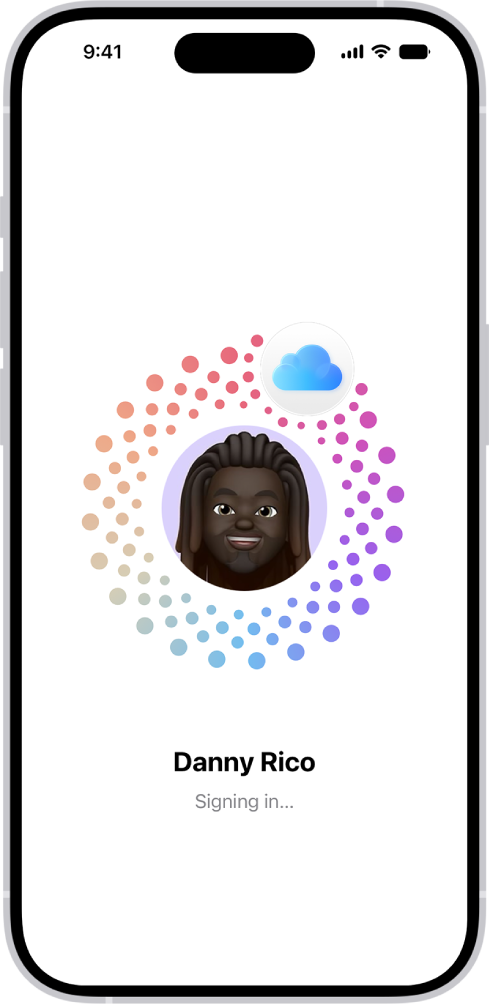
On iPhone, some website and app sign-in screens require you to pass CAPTCHA challenges, such as recognizing letters in unusual shapes. iCloud allows you to bypass many challenges by automatically and privately verifying your iPhone and account. It’s called Automatic Verification, and you can turn this bypass on or off.

  1. Start the Settings app on your iPhone.
  2. Tap your name and tap Sign-In & Security.
  3. Turn Automatic Verification on or off.
TAGGED:
Follow:
Moses Johnson is the Editorial Director of GeeksChalk.com, who has a keen eye for news, rumors, and all the unusual stuff around Apple products. Moses is commonly referred to online as The Professor, with decades of experience in tech under his belt.
Leave a Comment