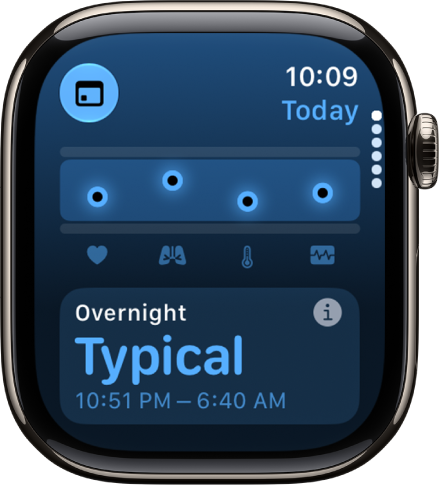
You can wear Apple Watch to bed and track nightly changes in your wrist temperature, which can provide insight into your wellbeing. In the Vitals app, you view wrist temperature and easily see if it’s out of your typical range.
Cycle Tracking can also use wrist temperature data to improve period predictions and receive ovulation estimates. To establish your temperature baseline, you wear your Apple Watch to bed with Sleep Tracking turned on, and data is available after about 5 nights.
Important: The temperature sensing feature is not a medical device, and is not intended for use in medical diagnosis, treatment, or for any other medical purpose.
Set up wrist temperature tracking
- Set up Sleep with Sleep Tracking turned on in the Settings app.
- To establish a temperature baseline, ensure the Sleep Focus is on and then wear your Apple Watch while sleeping.
To gather wrist temperature data from Apple Watch, it must track your sleep for at least 4 hours each night. Wrist temperature data will be available after about 5 nights.
Note: Your body temperature naturally fluctuates, and can vary from night to night due to a number of variables. Wrist temperature can also be impacted by external factors like your sleep environment.
Review your wrist temperature
- Start the Health app on your iPhone.
- Tap Browse, tap Body Measurements, and tap Wrist Temperature.
- To show sample details, tap a point on the chart.
Turn off wrist temperature tracking
- Start the Settings app on your Apple Watch.
- Tap Privacy & Security and tap Health.
- Tap Wrist Temperature, then turn off Wrist Temperature.
You can also open the Apple Watch app on your iPhone, tap My Watch, tap Privacy, then turn off Wrist Temperature.
See also