How to turn off Find My on iPhone

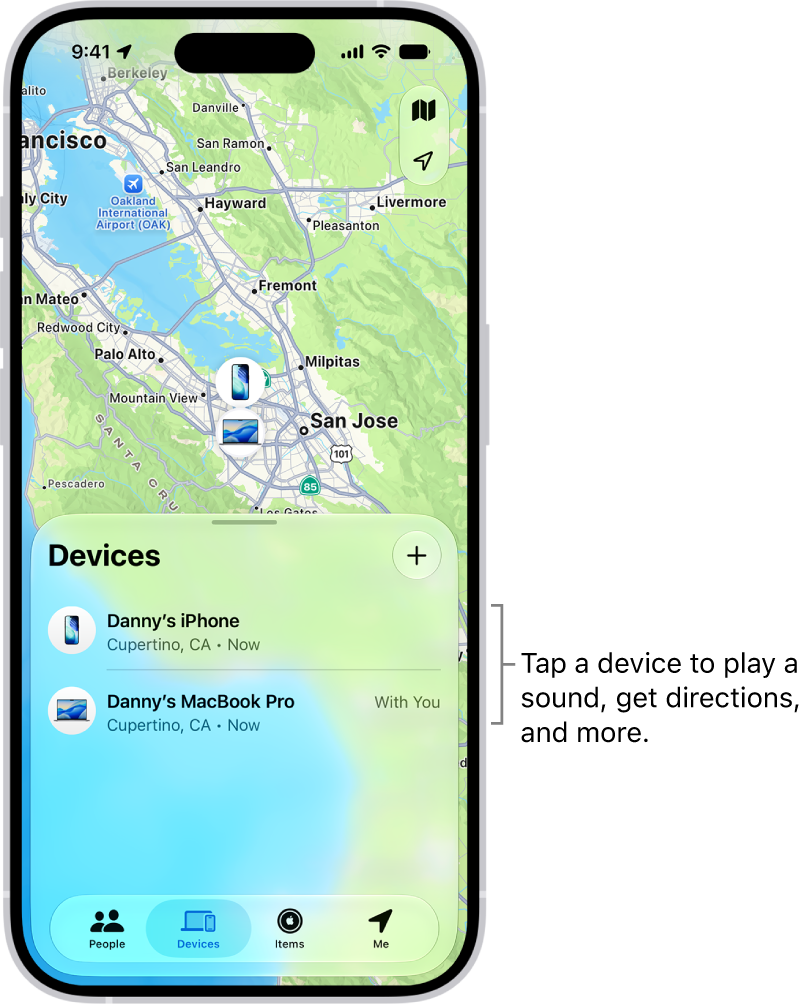
You can turn off Find My on iPhone if you no longer want to share your location or see your friends, devices, and items.

By Chris Smith - Senior Editor
0 Min Read

You can turn off Find My on your iPhone if you no longer want to share your location or view the location of your friends, devices, and items. It’s in your Apple Account settings, and you’ll need your Apple Account password to finish.

  1. Open Settings, tap [your name], and then tap Find My.
  2. Tap Find My iPhone, then tap to turn it off.
  3. Enter your Apple Account password, then tap Turn Off.
TAGGED:
Senior Editor
Follow:
Chris Smith is a senior editor at GeeksChalk based in Canada. He likes to think of himself as a jack of all trades (and a master of at least a few), though he mainly focuses on iPhones and Macs. Often covering both at the same time. When not surrounded by various Apple devices while putting them through their paces, Chris can be found streaming the latest movies or series, gaming on his PS5, or getting fresh air on a hike in the beautiful wilderness of British Columbia.
Leave a Comment