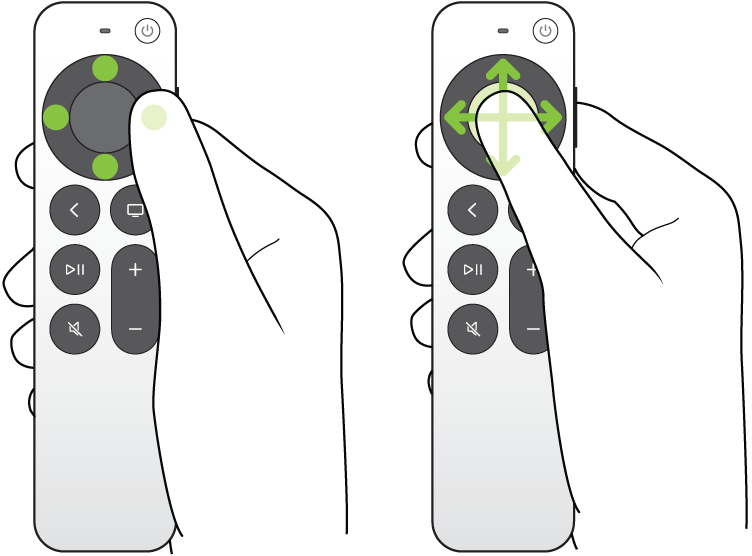
On Apple TV 4K, Tap to Navigate lets you tap rather than press the up, down, left, or right buttons on the remote, but only on the silver remote. It’s an accessibility setting on Apple TV 4K. To select onscreen items, you still use the clickpad center.
Here’s how to turn on Tap to Navigate for your silver Apple TV 4K remote.
- Go to Settings on Apple TV 4K.
- Go to Accessibility. Select Tap to Navigate to turn it on.
Note: To select onscreen items, you’ll still need to press the clickpad center.
Not all features and content are available in all countries or regions or on all Apple TV hardware models.