To help protect your privacy, your iPad uses a unique private network address, called a media access control (MAC) address, on each Wi-Fi network it joins.
If a network can’t use a private address, like to provide parental controls or to identify your iPad as authorized to join, you can stop using one for that network. Keeping a private address on helps limit how your iPad is tracked across different Wi-Fi networks, though.
Turn a private address off for a network
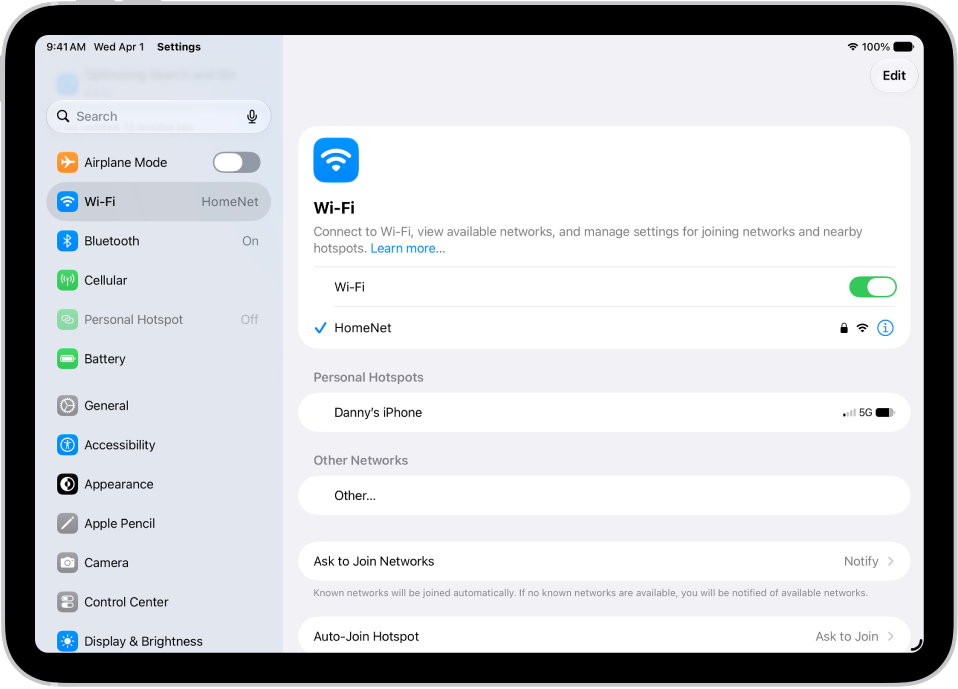
- Open Settings and tap Wi-Fi. Then tap the Settings button for a network.
- Turn Private Address off.
Important: For better privacy, leave Private Address turned on for all networks that support it. Using a private address helps reduce tracking of your iPad across different Wi-Fi networks.
See also