On iPad, iCloud securely stores your photos, videos, documents, backups, and more—and keeps them updated across all your devices—automatically. With iCloud, you can also share photos, calendars, notes, folders, and files with friends and family.
iCloud provides you with an email account and 5 GB of free storage for your data, and for more storage and additional features, like Apple Invites, Private Relay, or Hide My Email, you can subscribe to iCloud+. You choose the apps and features you’d like to sync with iCloud, too.
Note: Some iCloud features have minimum system requirements. The availability of iCloud and its features varies by country or region.
Set up iCloud
- Start the Settings app on your iPad.
- Tap your name.
If you don’t see your name, tap Apple Account, then sign in to your Apple Account.
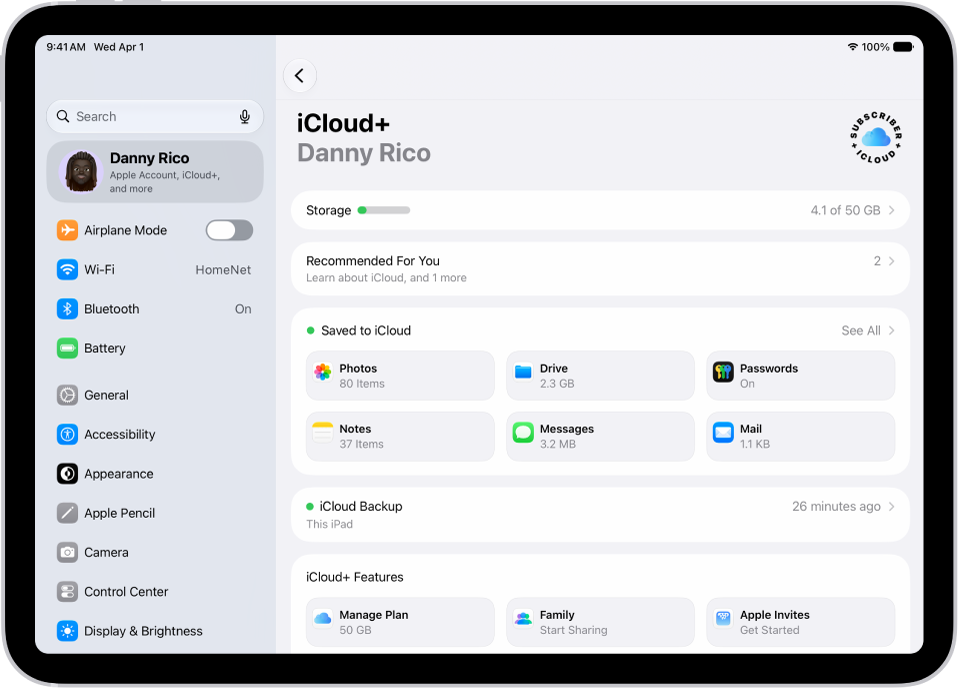
- Tap iCloud, tap See All, and turn on the apps and features you want to sync with iCloud.
For example, turn on iCloud Drive to make your files in iCloud Drive available to your other devices.
Use iCloud with apps on iPad
You can also store the following information in iCloud, where it stays up to date across your iPad and other Apple devices:
- iCloud Backup
iCloud can keep your iPad backed up automatically.
- Photos
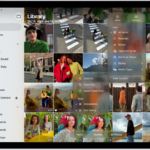
Store your full-resolution photo library in iCloud and keep it in sync across all your devices. You can also share photos and videos with shared albums or an iCloud Shared Photo Library.
- iCloud Drive
Keep your files in iCloud Drive, access them from any device, and share folders and documents with others.
- Messages
Keep your conversations up to date and available across all your devices.
- Mail
Get an iCloud email address and access iCloud Mail across all your Apple devices.
- Passwords
Sync your passwords and passkeys securely across all your devices with iCloud Keychain.
- Find My
Locate a missing device and share locations with friends and family.
- And more…
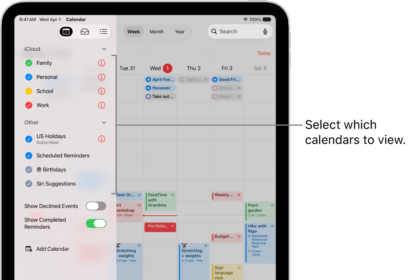
iCloud also keeps apps like Contacts, Calendars, Notes, and Reminders in sync, along with data from compatible third-party apps and games.
If you subscribe to iCloud+, you get access to Apple Invites, HomeKit Secure Video support, iCloud Private Relay, Hide My Email, and more, along with additional storage.
You can get to your iCloud data on iPad, too, along with Apple Vision Pro, Mac, Windows devices, Apple TV 4K, Apple Watch, and iCloud.com.
See also