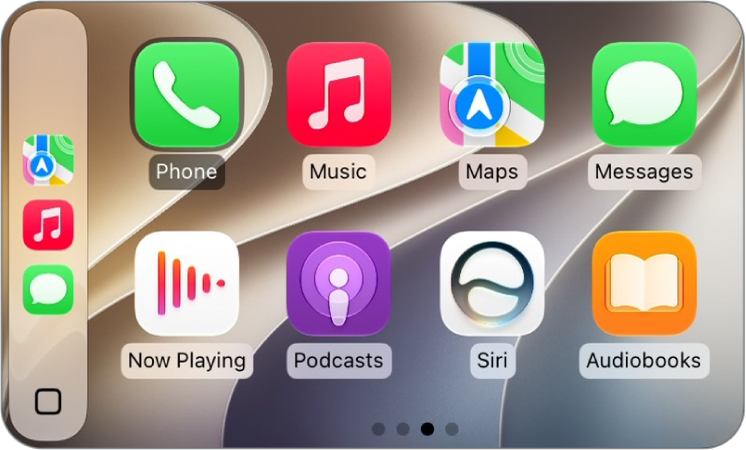
You can use Siri with CarPlay to access many of the apps on iPhone, including Reminders, Clock, Weather, and more.
CarPlay works with select third-party apps that you download to your iPhone, too. Compatible apps, including audio, navigation, messaging, and voice-calling apps, and apps made by your vehicle manufacturer, appear automatically on CarPlay Home and can be controlled with Siri. There are apps for fueling, parking, EV charging, and quick food ordering, too. Third-party navigation apps show up on CarPlay Dashboard while you’re using them.
Note: While you’re using them, compatible third-party navigation apps appear on CarPlay Dashboard. If you aren’t actively navigating, or you’re navigating with more than one app, Dashboard shows the last compatible navigation app you used.