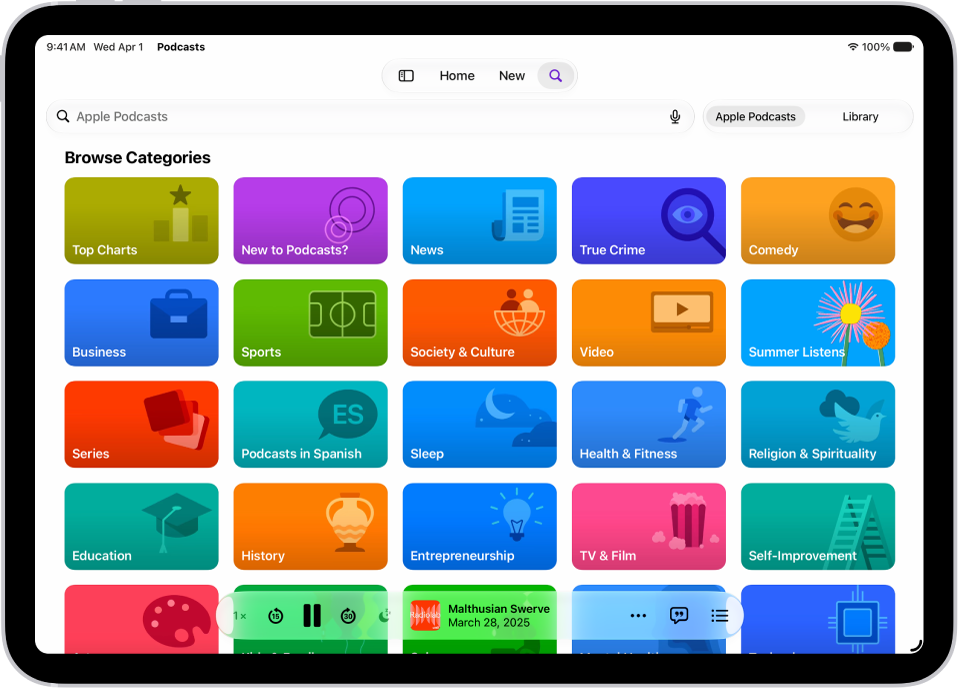
On iPad, in the Podcasts app, you can view and search episode transcripts. In the static transcript view, you can select text and play, copy, or share from that point, and in the scrolling transcript on the Now Playing screen, any paragraph can take you to that point in the episode.
Note: Transcript availability may vary by language, and by country or region.
View transcripts
- Start the Podcasts app on your iPad.
- Do any of the following:
- While viewing episode information: Scroll down to the Transcripts section. You can also tap the More button and tap View Transcript.
- From the MiniPlayer or the Now Playing screen: Tap the View Transcript button.
Transcripts aren’t available when watching in full-screen video mode. Instead, you can tap the Captions button to turn on subtitles (if available). You can also tap the Close button to return to the Now Playing screen, then tap the View Transcript button to view the video and transcript side by side in landscape orientation.
You can interact with transcripts in multiple ways. In the static transcript view, you can select text and choose whether to play, copy, or share from that point. In the scrolling transcript on the Now Playing screen, you can tap any paragraph to jump to that point in the episode, or touch and hold a paragraph to share from that point.
To hide the transcript on the Now Playing screen, tap the Hide Transcript button.
Search transcripts
- Start the Podcasts app on your iPad.
- While viewing a transcript, do one of the following:
- While viewing the scrolling transcript: Tap Search.
- While viewing the static transcript: Tap the Search Transcript button at the top right of the screen.
- Optionally, tap the Search Options button in the search field to specify whether the capitalization or the entire word needs to match in the search results.
See also