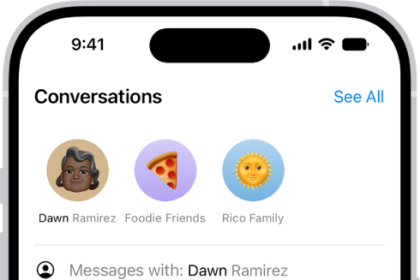
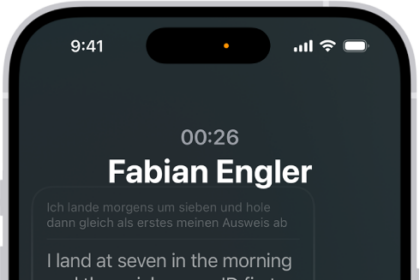
On iPhone, upcoming events appear in CarPlay Dashboard. You can also use your vehicle’s built-in controls to open Calendar in CarPlay to view upcoming events. Calendar is with the rest of your apps, on the pages of all of your CarPlay apps in CarPlay Home. When you select an event, you can see more information about it. Some events give you options to get directions to the event or phone into it.
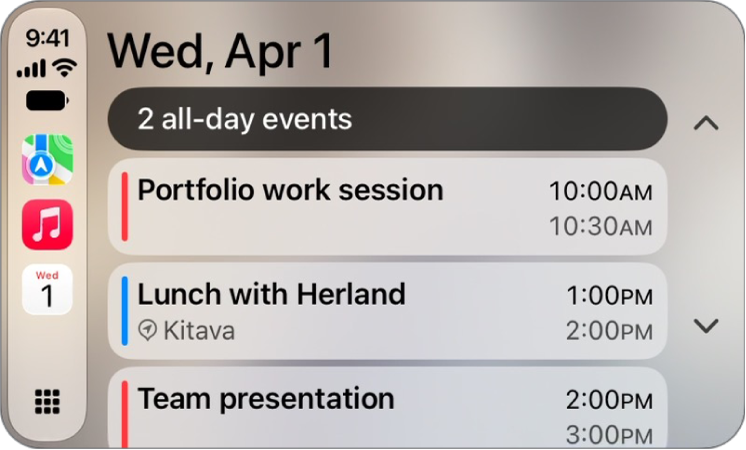
Note: If you’re on CarPlay Dashboard, tap the Home button to see pages of all your CarPlay apps, Calendar included.
To see more information about an event, select it. Options may allow you to get directions to the event or phone into it.