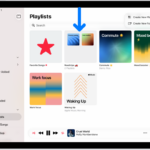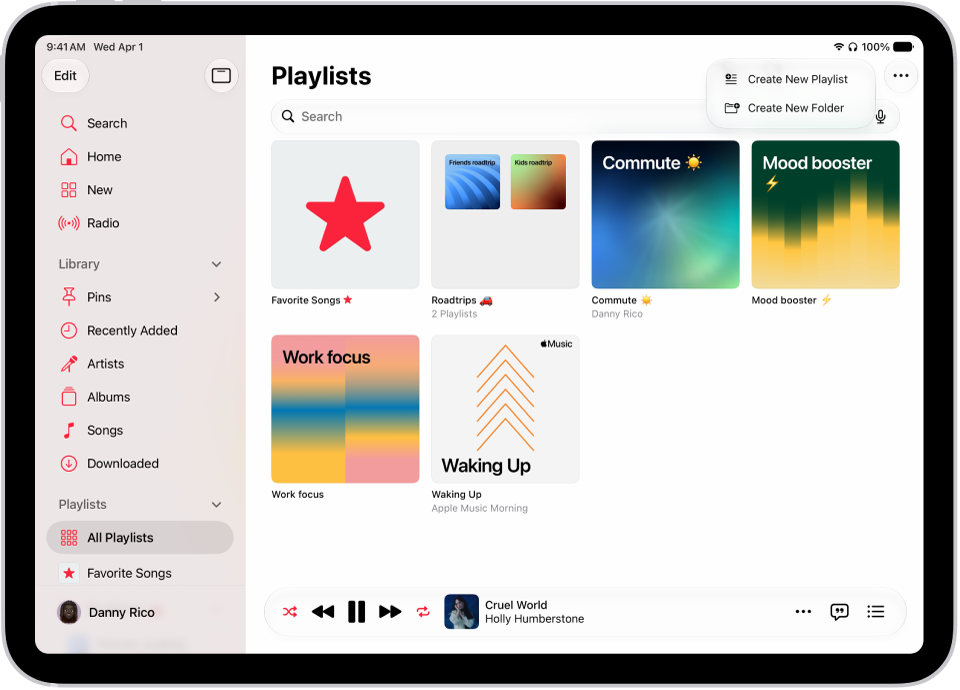
On iPad, playlists are custom compilations of songs and music videos, made to suit a specific mood or occasion, to select certain songs to share with others, or to organize your music library, so you might create a playlist to do the following:
- Suit a specific mood or occasion. For example, you could create a playlist for a dinner party, a wedding, or your morning workout.
- Select certain songs to share with others on your local network or to sync with your Mac or Windows device.
- Organize your music library.
A few other types of playlists become available when you subscribe to Apple Music:
- Favorite Songs playlist: See Mark items as favorites.
- Playlists created by any Apple Music contributor: See Add music and listen offline.
- Playlists created by other subscribers that you follow: See what your friends are listening to.
- Special playlists (like Replay): See Discover your most-played music of the year.
- Collaborative playlists: See Collaborate on a playlist and Join a collaborative playlist.
Changes you make to your music library (creating playlists or playlist folders, for example) are updated across all your devices when Sync Library is turned on (go to Settings > Apps > Music, then turn on Sync Library). If you’re not an Apple Music subscriber, the changes appear in your library the next time you sync with your computer.
Siri: Ask Siri something like, “Add this song to my Workout playlist” while playing a song or album. Learn how to use Siri.
See also