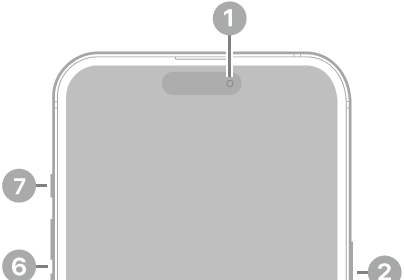
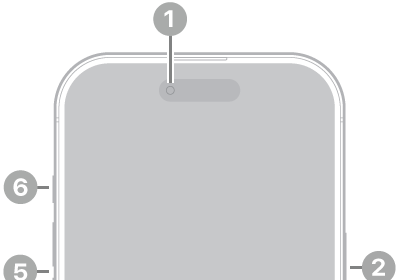
iPhone 12 Pro Max hardware: buttons, cameras, and ports

You can find the cameras, buttons, and other essential hardware features on iPhone 12 Pro Max, plus links to help you get started.

By Moses Johnson - Editor
0 Min Read

Learn the location of the cameras, buttons, and other essential hardware features on iPhone 12 Pro Max.

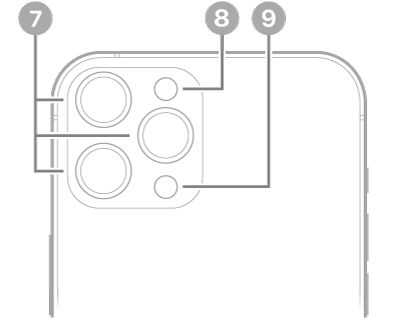
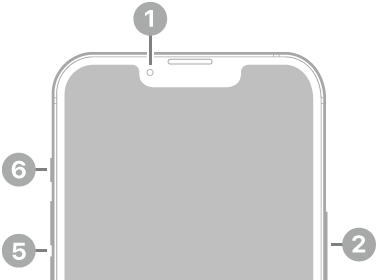
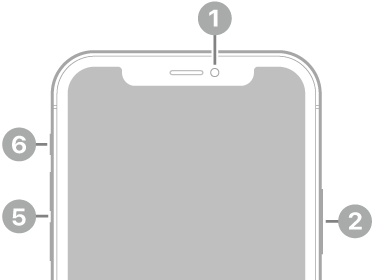
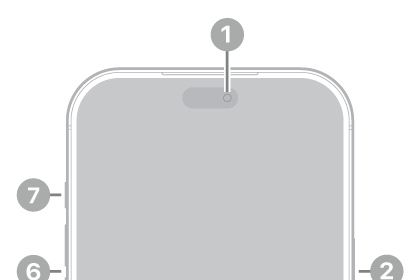
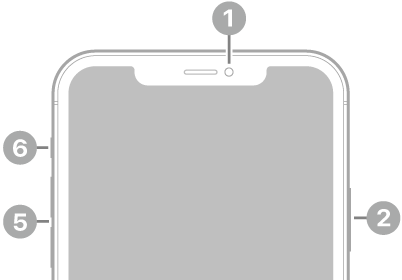
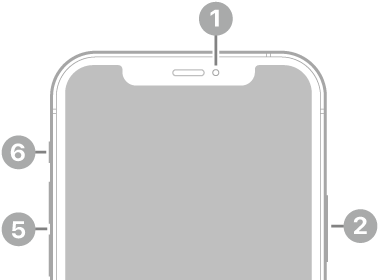
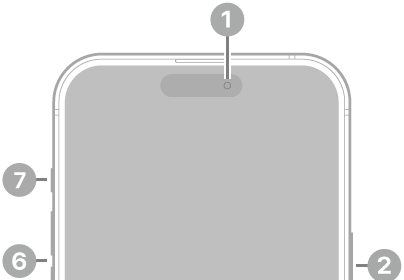
On the front and sides, you’ll find the front camera, side button, Lightning connector, SIM tray, volume buttons, and Ring/Silent switch. Around back are the rear cameras, flash, and LiDAR Scanner.
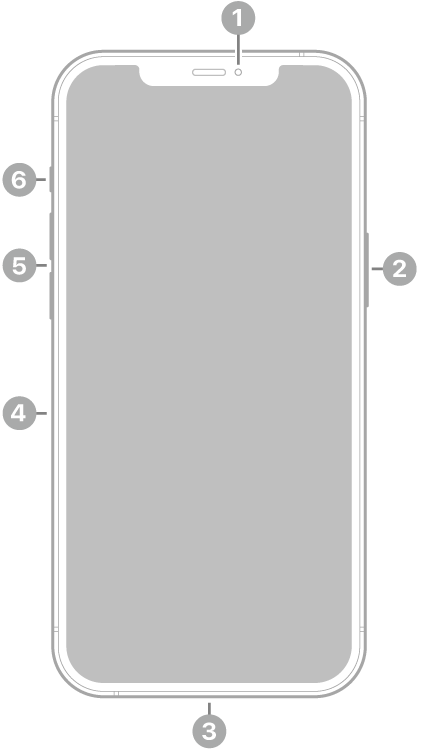
The front view of iPhone 12 Pro Max. The front camera is at the top center. The side button is on the right side. The Lightning connector is on the bottom. On the left side, from bottom to top, are the SIM tray, the volume buttons, and the Ring/Silent switch.

  • 1 Front camera
  • 2 Side button
  • 3 Lightning connector
  • 4 SIM tray
  • 5 Volume buttons
  • 6 Ring/Silent switch

The back view of iPhone 12 Pro Max. The rear cameras, flash, and LiDAR Scanner are at the top left.

  • 7 Rear cameras
  • 8 Flash
  • 9 LiDAR Scanner

Get started with iPhone 12 Pro Max

TAGGED:
Follow:
Moses Johnson is the Editorial Director of GeeksChalk.com, who has a keen eye for news, rumors, and all the unusual stuff around Apple products. Moses is commonly referred to online as The Professor, with decades of experience in tech under his belt.
Leave a Comment