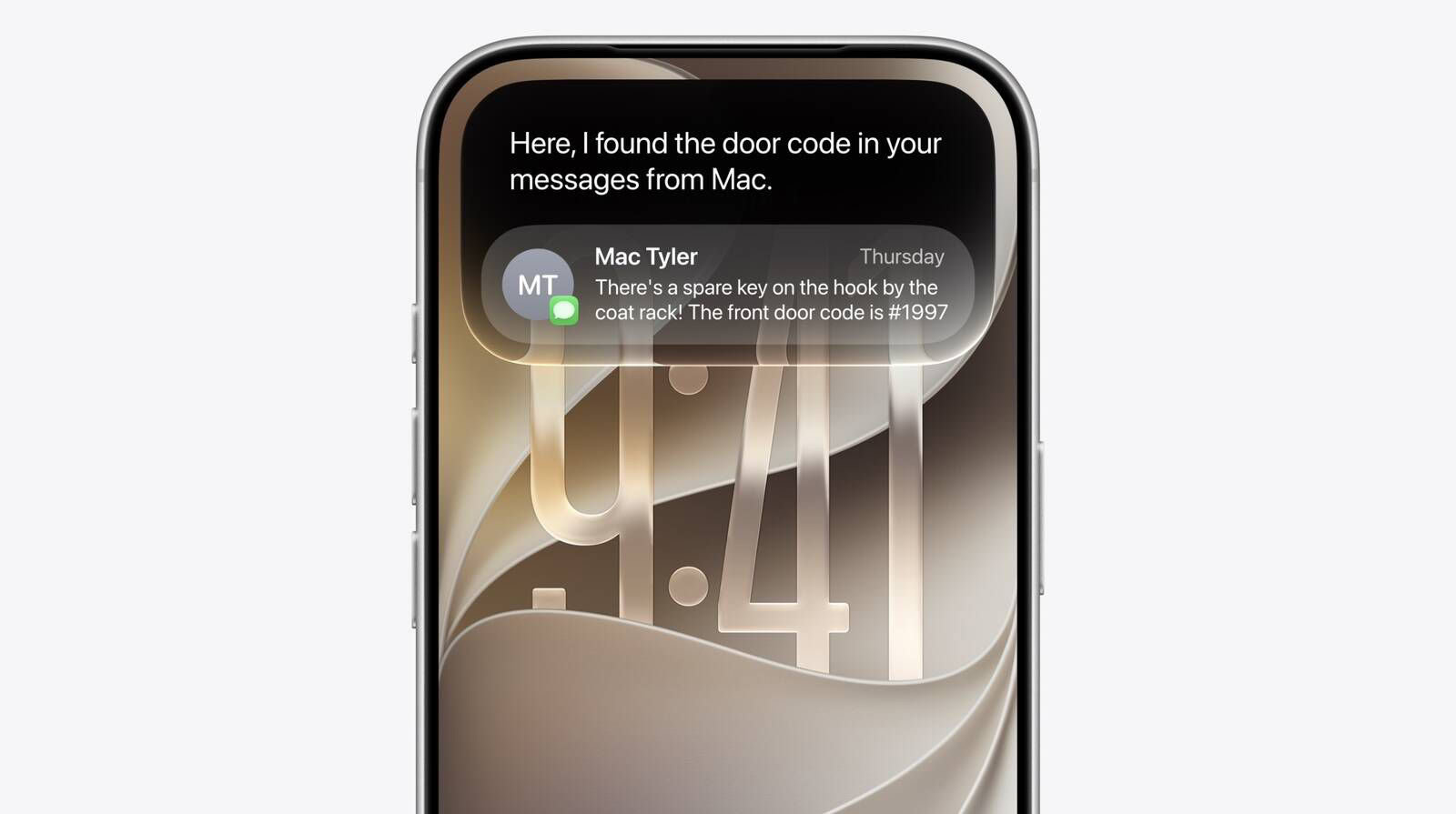
In iOS 27, Apple got rid of the double tap the bottom of the screen feature that allowed iPhone users to type to Siri. Thankfully, you can still type to Siri AI instead of speaking.
In iOS 27, a new Search and Ask Siri interface replaces the former Spotlight search option, and it’s available from the Dynamic Island. Spotlight and Siri have been unified in the same UI, so you can still quickly launch apps and documents via search in addition to typing questions. Now you have to pull down from the Dynamic Island area of your iPhone. Here’s how to type to Siri AI in iOS 27.
How to Type to Siri AI Using the Dynamic Island
- Swipe down on the Dynamic Island from anywhere on iOS to invoke Siri AI search UI.
- Type your query or question into the Search or Ask field that appears in the Dynamic Island.
- Tap a result to launch an app or open a document, or swipe on Siri’s answer card to expand it and ask follow-up questions.
In iOS 27, a swipe down from the middle of the iPhone’s display brings up Search or Ask, where you can type or speak a question or request to Siri.
An animation is displayed as Siri is thinking, and then the Siri bubble expands into a short response. If you swipe down on a response, it brings up a text bar where you can provide clarification or ask another question. A " " button lets you add images or documents to the conversation.
Some responses use rich information cards pulled from apps. If you ask Siri about the weather, you’ll see the current weather forecast. If you ask about upcoming calendar events, you’ll see them listed in the Calendar app format.
Write with Siri
In iOS 27, you can write with Siri anywhere you type with a systemwide Write with Siri feature. Siri can draft documents from scratch, and in Mail and Messages, it can use the same writing style that you normally use.
Siri can give you feedback on your writing if you select your text and ask Siri how it sounds, and as you type in apps, there’s automatic proofreading for misspellings and grammar. Siri can also edit, and you just need to describe the change that you want to make to something you’ve written, such as changing the tone to be more professional.
- Make this email sound more formal
- Turn these bullet points into a paragraph
- Shorten this to three sentences
- Draft a thank you note for a gift
- Rewrite this to be friendlier
- What do you think of this presentation?
- How can I improve this email?
Siri App
There is a dedicated Siri app where you can start new conversations or revisit past conversations you’ve had with Siri.
The app has a card-style interface with details on your most recent conversations across all of your devices. You can also use the search button to find conversations, and there’s a pin option for conversations that you revisit frequently.
I enjoy typing to Siri AI on my iPhone. Now, search is only a swipe away no matter the app I’m using, and the search box itself is smart enough to understand whether I’m looking for an app to launch or formulating a longer request for Siri AI.
You can also access Siri by pressing the side button or by using the "Siri" and "Hey Siri" wake phrases.
See also: How to Use the Side Button to Activate Siri AI on an iPhone