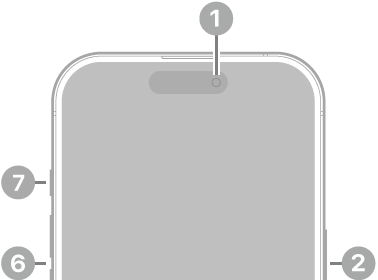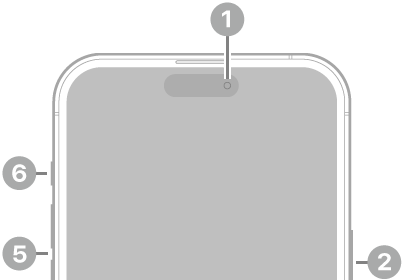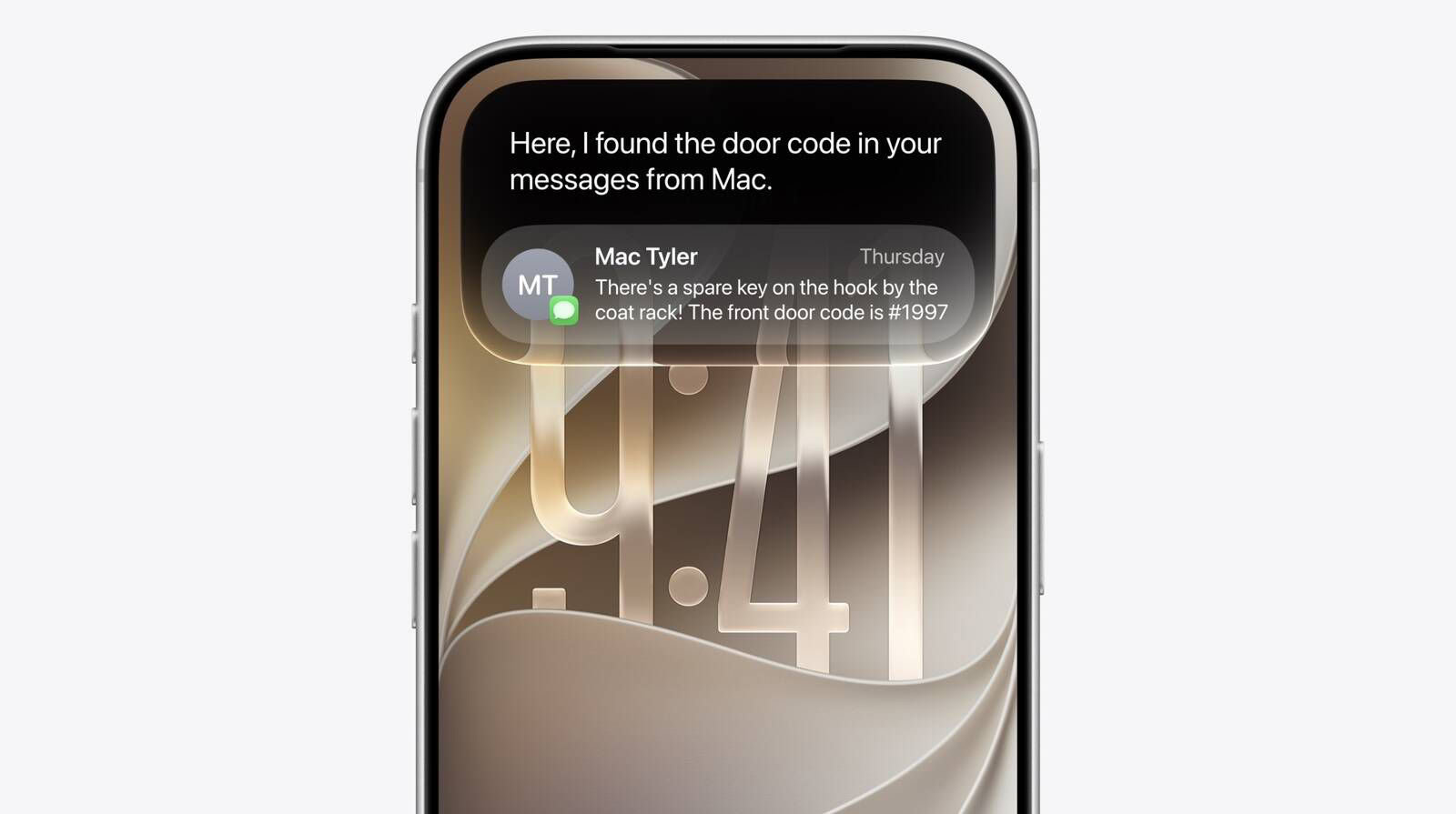
You can now finally invoke the new hybrid Spotlight/Siri AI search UI from anywhere on iOS by swiping down on the Dynamic Island.
How to Open Siri AI From the Dynamic Island
- Swipe down from the top center of the display, either on the Home Screen or inside any app.
- Type your query or question into the Search or Ask field that appears in the Dynamic Island.
- Tap a result to launch an app or open a document, or swipe on Siri’s answer card to expand it and ask follow-up questions.
Siri is located in the iPhone’s Dynamic Island, and there’s a glassy new Siri bubble with bright colors that pops up when Siri is activated. You can use Hey Siri or hold down the side button, but Siri also comes up with a swipe down from the top center of the display, and it works basically everywhere — on the home screen or inside any app.
Swiping down brings up a new feature called Search or Ask right into the Dynamic Island. When prompted with a search or a question, the pill-shaped area starts to glow, showing you that Siri is doing its magic in the background. When the answer is ready, the Dynamic Island expands to show you a card with the result. If you swipe on a response, you can get more information and ask follow-up questions.
Spotlight and Siri have been unified in the same UI, so you can still quickly launch apps and documents via search in addition to asking questions.
The lack of system-wide access to Spotlight on iOS bothered me for years, ever since I started reviewing iOS on an annual basis. Now, search is only a swipe away no matter the app I’m using, and the search box itself is smart enough to understand whether I’m looking for an app to launch or formulating a longer request for Siri AI.
In addition to voice mode, there’s now a full-blown Siri app where you can revisit past conversations and start a new conversation. The Siri app syncs across devices, so you can start a conversation on your iPhone and wrap it up on your Mac.
While swiping down from the dynamic island to access Siri AI is a tidy piece of UI design, I found the interaction a bit cramped; swiping down from the top already invokes your Control Center (right side) and notifications (left side). A third addition to the top edge makes it a little crowded. I hope muscle memory will eventually kick in.