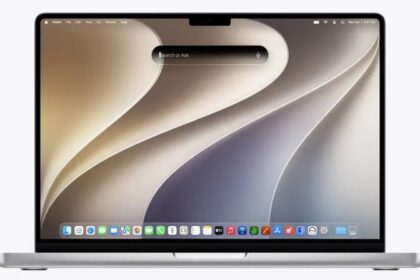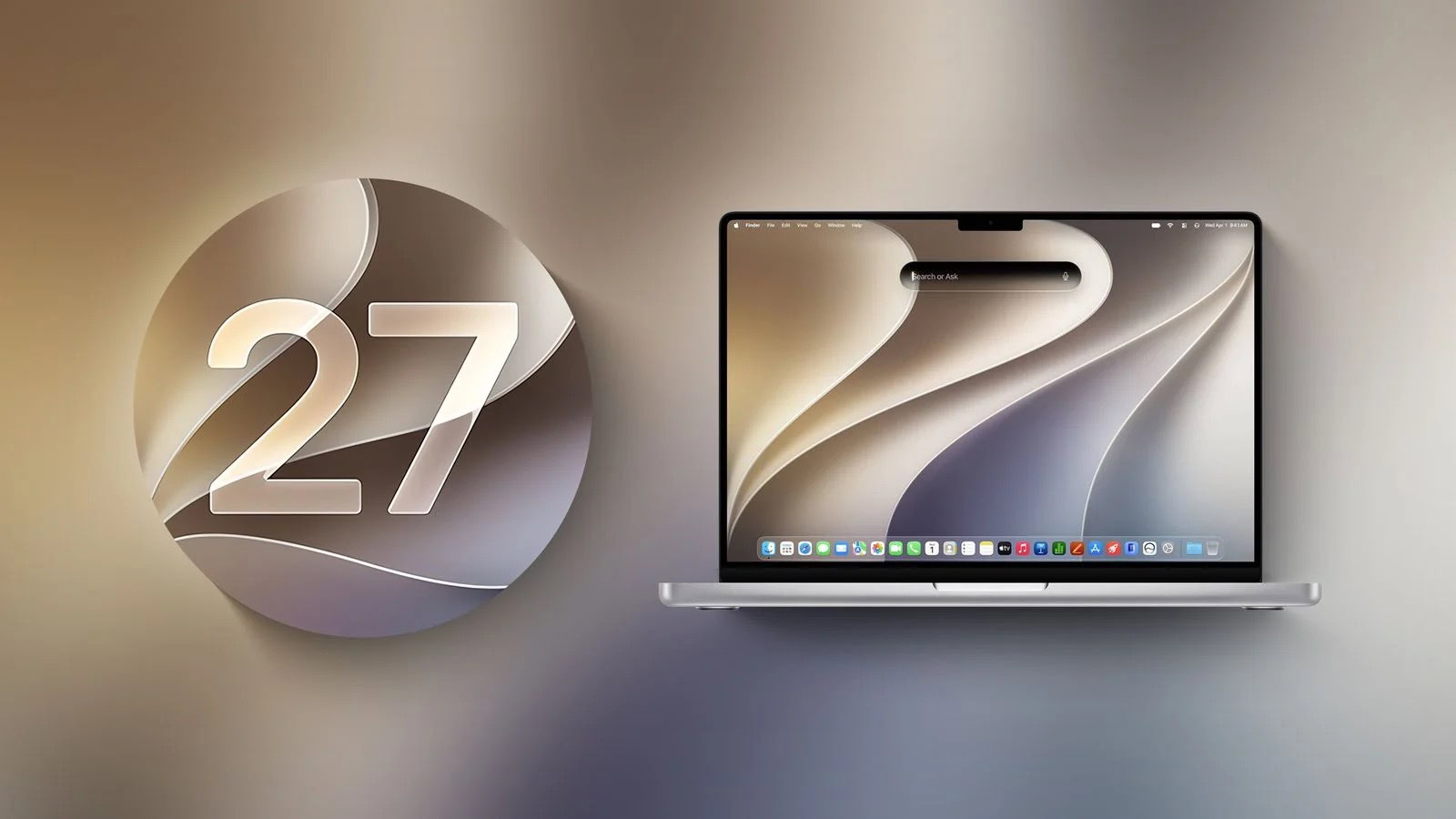
macOS 27 Golden Gate is one of those rare upgrades (like going from Leopard to Snow Leopard, for those who remember it) that focuses more on improving what’s already there than on new features. To be sure, there are new features, including a few big ones. But even those—I’m thinking of Siri AI in particular—are mostly revisions of existing features rather than entirely novel capabilities.
In the past, Apple has released detailed descriptions of all the new features of that year’s version of macOS. This year’s macOS webpage, by contrast, is extremely light on details, focusing only on what Apple considers the key features. The extensive feature lists circulating online are based on a single slide shown in its entirety for less than two seconds during the WWDC keynote, which listed hundreds of changes across all the version 27 releases.
I read every one of those items and tried as many as I could, but many did not seem to function as described. For some features it is not clear whether Apple removed them or the description was simply too vague to work out what should happen. Apple stresses performance and reliability improvements, which are harder to test, and in some cases I never noticed the problems they addressed in the first place. So, if you’re looking for information on a feature from those lists and don’t see it here, that’s why.
What’s new
These are the biggest changes in macOS 27 you can look forward to.
These are the most notable changes and improvements since macOS 26 Tahoe:
- Liquid Glass improvements: Although Apple is still committed to the Liquid Glass user interface introduced in Tahoe, macOS 27 makes a number of changes and refinements that address some of the criticisms of the original version. See what changed in Liquid Glass.
- Performance improvements: Apple has fixed bugs while increasing speed, reliability, and smoothness across many aspects of macOS. You should find better performance and fewer bugs across numerous aspects of macOS 27.
- Siri AI: The much-maligned Siri of yesteryear has been replaced with a completely new engine that’s far more powerful and convenient. And Apple has blurred the distinction between Siri and Apple Intelligence. See Siri AI on the Mac.
- Child safety: Although macOS has long included a robust set of features intended to keep children safe, macOS 27 adds several more. See the child safety features.
- Everything else: As usual, many aspects of macOS, including about two dozen built-in apps, have new features and capabilities. See the other system improvements and the app improvements.
In addition, if you’re upgrading from an operating system older than macOS 15 Sequoia, you may be interested to know what other features were added along the way—as well as some that are about to disappear.
A few words about terminology
Two terms are worth pinning down:
- “M-series” vs. “Apple silicon”: Since 2020, Macs have used Apple-designed chips, which Apple calls “Apple silicon.” Basically more powerful versions of the A-series chips that had long powered iPhones, these new variants had names starting with M: M1 at first, followed by M1 Pro, M1 Max, and M1 Ultra, then an M2 line, an M3 line, an M4 line, and an M5 line, with many more iterations expected in the future.
Even though Apple wanted everyone to call these devices “Macs with Apple silicon,” that always seemed excessively clunky, so the shorthand “M-series Macs” was used instead. However, in March 2026, Apple released the low-cost MacBook Neo that doesn’t use an M-series chip but rather an A-series chip—a variant of the one used in the iPhone 16 Pro and iPhone 16 Pro Max. There will presumably be more Macs in the future with A-series chips.
So the compact “M-series” designation is dropped, and these are now “Apple silicon Macs” or “Macs with Apple silicon.”
- “Disk” vs. “SSD”: The term “disk” refers to your Mac’s primary storage device. For all Macs that can run macOS 27, this isn’t really a disk-shaped object at all, but rather a solid-state disk (SSD), which is far, far faster and more reliable than a mechanical hard drive. However, for largely historical reasons, the word “disk” is still used throughout macOS to refer to storage devices of all kinds.