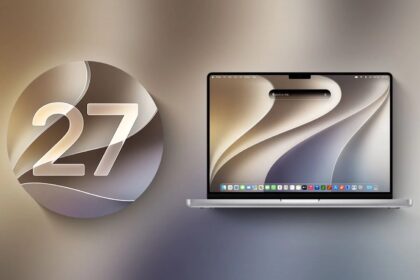
Apple tends to release operating system changes as a two-beat sequence, like our heart going LUB-dub: The LUB beat is a major flex, like the introduction of Liquid Glass across all their operating systems in 2025. This year is a “dub,” a building-or-rebuilding year, in which Apple largely tweaks the previous cycle and offers incremental improvements, though some may feel quite large.
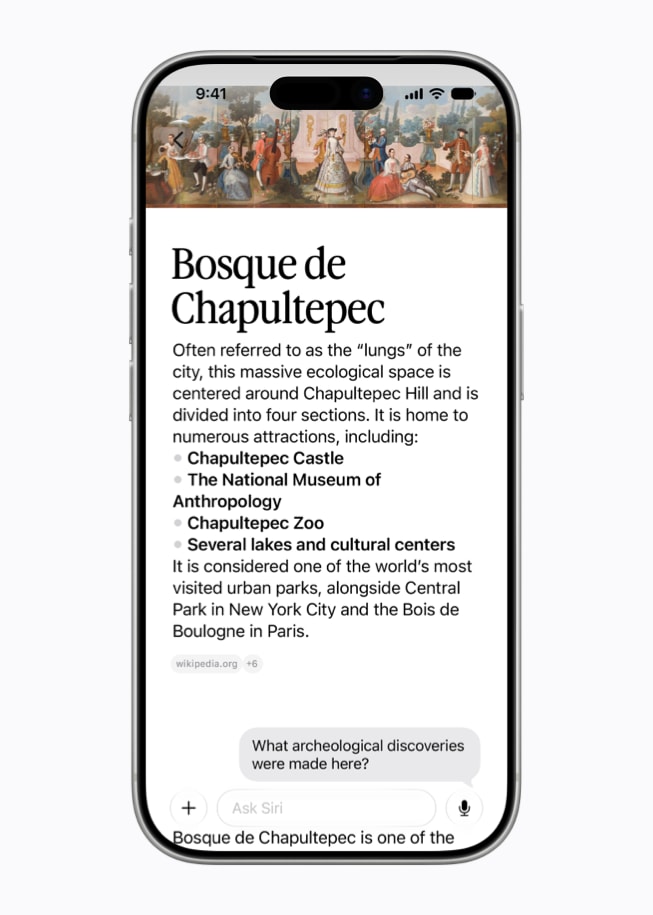
The 2026 set of releases, numbered 27—like car models are numbered in fall for the following year—is a “dub.” We see the rollout of the long-promised Siri upgrade, called Siri AI. Along with its improved performance, Siri AI and Apple Intelligence both extend much more deeply into apps and system functions across nearly all platforms. That’s the flagship feature.
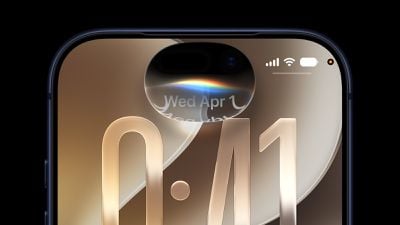
This includes significant improvements to on-device searching. When you use Spotlight in iOS 27 or iPadOS 27 on devices with Apple Intelligence support, the Spotlight field has changed from Search to Search or Ask. You can perform searches or ask Siri questions via the same entry field, which expands Spotlight’s reach and Siri’s scope.
Starting in iOS 27 and iPadOS 27 (as well as macOS 27 Golden Gate), Apple has leaned very heavily into so-called artificial intelligence to enhance the overall operating system experience and many apps. They rebranded Siri as Siri AI on devices with the minimum required hardware. (Check whether your device qualifies.)
Apple also offered four additional areas of focus:
- Interface tweaks: Apple devoted significant time during their Worldwide Developer Conference presentation in June 2026 to stepping way back from interface overreaches with the Liquid Glass interface. Apple made a number of worthwhile improvements in macOS 27, but far fewer in iOS 27 and iPadOS 27. The key change is a Liquid Glass slider—also in macOS—that lets you choose a degree of translucency. In iOS 26.1/iPadOS 26.1, Apple added a binary choice of Clear (original flavor) and Tinted (somewhat less translucent). In iOS 27/iPadOS 27, that choice is now a slider.
The company also provided minor improvements to iPadOS 27, following the significant overhaul and improvements introduced in iPadOS 26, which were generally well received. See what’s new for iPad.
- Child safety and Screen Time: Nobody loves Screen Time, because it works erratically and doesn’t always map to what parents want to limit. Apple has regrouped and reworked Screen Time to better allot time. Let’s see if it works better, too! Child safety enhancements include intervening for gore and violence, and better oversight of new connections in FaceTime, Messages, and Phone.
- Accessibility: A cornucopia of individual improvements in Accessibility adds up. Among them: on-device subtitles for any video across all platforms, developer access to FaceTime that will let sign language interpreters join a call, and greater use of Apple Intelligence to describe things in images and in Magnifier.
- Communications: While Apple didn’t perform the same kind of huge overhaul to FaceTime, Messages, and Phone in iOS 27 and iPadOS 27 as they did in the previous releases, I’ve provided a one-stop shop for changes affecting those apps, as well as cellular and Wi-Fi.
Apple also discussed in the lead-up to the release of the new operating system how much faster everything would be, but a list of those promises doesn’t help you get more familiar with iOS 27 and iPadOS 27! Because this book doesn’t benchmark these sorts of changes, I can only say: you should be pleased.
I don’t want to say everything else is miscellaneous, as there are hundreds—maybe thousands—of other changes. (You can find extensive rundowns.) Instead, let me say that Apple’s extensive work means many apps and system features have been modified, matured, or enhanced, as you will see in the rest of the book.
How Apple numbers its operating systems
Apple began their current numbering system in 2025, with the releases of iOS, iPadOS, macOS, tvOS, and watchOS all with a base number of 26 for 2026. This continued in 2026 with the release of all operating systems numbered 27.
Before this, Apple incremented their operating systems differently depending on whether they were initial or subsequent releases. In rare places in this book, I mention that a change was made from an older version, and thus you will see an 8- or 9-number leap—say, from iOS 18 to 26 or 27—even though “26” is the very next version after “18.”
Apple Intelligence reaches into a dozen apps in this release, and I have set out where to find it in each one. For the upgrade itself, start with which iPhones and iPads can install iOS 27, then how to install it.