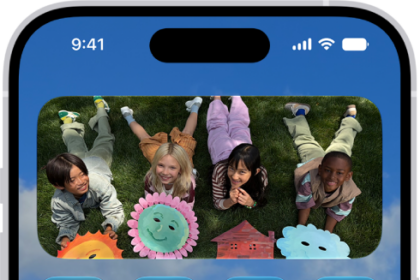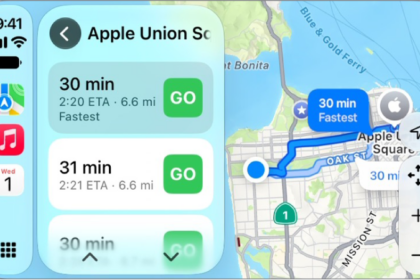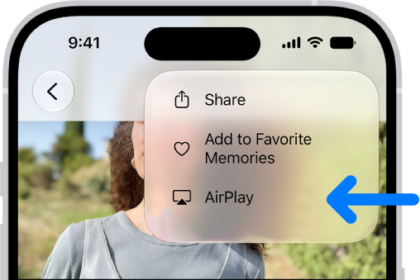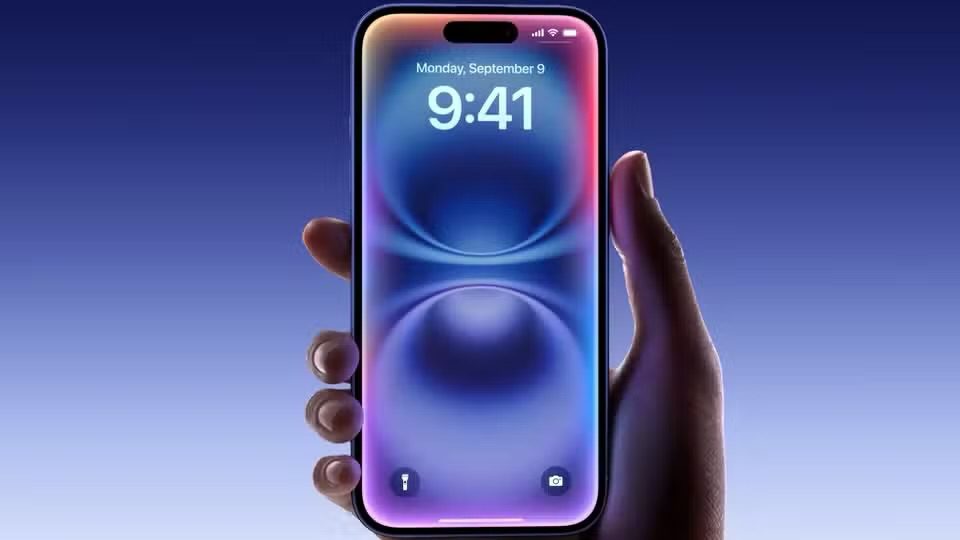
Apple’s Beta Software Program lets you run pre-release versions of iOS, iPadOS, macOS, tvOS, watchOS, HomePod software, and AirPods firmware before they reach everyone else.
Membership means test-driving those pre-release builds and telling Apple what you think of them, and that feedback goes into shaping the software the rest of the world eventually installs.
Beta versions of iOS, iPadOS, macOS, tvOS, watchOS, HomePod software, and AirPods firmware are all open to testing ahead of wider release. New features can be fun, but we recommend downloading a beta only onto something other than your primary device, in case the new software causes issues.
Apple also gives beta testers an app called Feedback. Testers use it to report issues in the new software, so they can be addressed before general release. Signing up is what gets you into those next releases and lets you help push them across the finish line.
How to Join the Apple Beta Software Program
Signing up takes a few steps. The steps below cover iPhone.
- Open Safari and go to beta.apple.com.
- Tap Sign up.
- Sign in with the Apple Account connected to your iPhone.
- Accept Apple’s beta software agreement by tapping agree.
- You should already be in the iOS section, but if not, tap iOS under Guide for Public Betas.
- Tap enroll your iOS device under the Get Started section.
- Go to Settings > General > Software Update > Beta Updates and choose the iOS beta you’d like to install.
Installing the iOS Beta
The install happens inside Settings itself. You pick up the iOS beta from Software Update, which appears under General, and if no beta is available yet, a notification arrives once one is released.
Participation
You enroll the devices you want to test on. Enrollment gets you access to the betas themselves, plus the chance to try out the latest features before they ship. Anything you run into can go directly to Apple through the Feedback Assistant app.