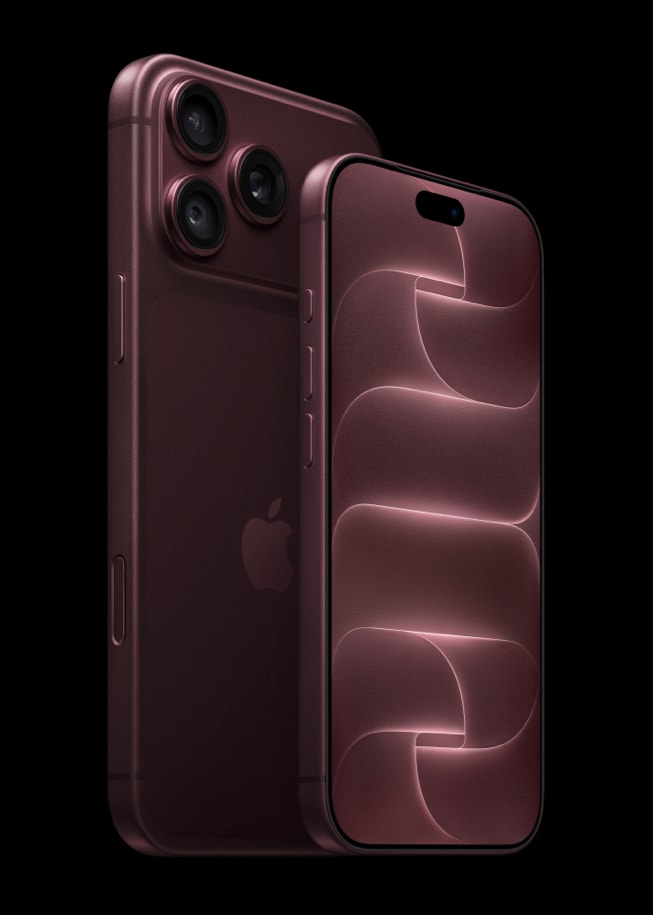
It appears that some new iPhone 18 Pro owners are having issues with charging their devices. Users are saying that nothing happens when they connect the device to a power source. If your iPhone 18 Pro or iPhone 18 Pro Max isn’t charging, follow these tips to figure out why and get it working again.
Users notice that there is no chime-in sound when the iPhone 18 Pro is plugged in, and there is no indication that charging is occurring.
You likely don’t give much thought to the act of charging your phone; you simply connect the charging cable and go about your business. However, this changes when your phone refuses to charge upon plugging it in, leading to annoyance or worry and frustrating attempts to troubleshoot the issue.
How to charge an iPhone 18 Pro
Here, we’ll go over the basic ways to charge your iPhone 18 Pro.
- You can attach the USB-C cable, like the one in the box, to the port on your iPhone and connect it to a power adapter that is compatible. Afterward, insert the power adapter into a wall socket.
- To fast charge, Apple says to use the USB-C cable that came in the box with an Apple 40W Dynamic Power Adapter with 60W Max, or a comparable third-party 60W-capable (or greater) adapter that uses Adjustable Voltage Supply (AVS) and supports USB Power Delivery (USB-PD) 3.2.
- You can charge your iPhone 18 Pro by plugging it into the USB-C port on your computer.
- You have the option to connect your iPhone to your iPad, Mac, or other computers in order to charge.
- You can charge it wirelessly.
iPhone 18 Pro models and charging limit
On iPhone 18 Pro and iPhone 18 Pro Max you choose a charge limit between 80% and 100% in 5% increments. Depending on your selection, the charging behavior will vary:
- If you select an 80% limit, this means that your iPhone 18 Pro will charge up to approximately 80%, at which point charging will cease. If the battery depletes to around 75%, charging will recommence until it reaches approximately 80% once more.
- Optimized Battery Charging is available when the charge limit is set to 100%. With it on, your iPhone 18 Pro will postpone charging beyond 80% under specific circumstances.
These settings are available when you go to Settings > Battery > Charging.
How to fix an iPhone 18 Pro that won’t charge
1. Make sure you are using the cable which came in the box
The iPhone 18 Pro and iPhone 18 Pro Max include a USB-C charging cable designed for fast charging, capable of working seamlessly with USB-C power adapters and computer ports. Ensure that you use this cable. The box does not contain a power adapter, so use any compatible USB-C power adapter.
If you connect your iPhone to a computer to charge it, connect it to a power source directly. If it is still not working, try a different power source.
If you are still having the issue, try to find a different cable or power adapter and try those.
2. Restart your iPhone
To begin troubleshooting, consider powering your phone off and then on again. Frequently, charging issues arise due to minor glitches. By performing a simple reboot, you can eliminate the possibility of a temporary hiccup like this, as restarting your phone has the potential to resolve various issues, including this one.
- Press and hold either volume button and the side button until the power-off slider appears.
- Drag the slider, then wait 30 seconds for your iPhone to turn off.
- To turn it back on, press and hold the side button until you see the Apple logo.
3. Try a force restart
Follow these steps to force restart your iPhone:
- Press and quickly release the volume up button.
- Press and quickly release the volume down button.
- Now hold down the Side button.
- Release the side button once the Apple logo appears.
Try charging your iPhone once you’ve signed back in using your Passcode.
4. Does wireless charging work?
You can also charge your iPhone 18 Pro wirelessly using a MagSafe or other wireless charger. You can try this if you are unable to charge it when using a cable.
If you are still having trouble charging your iPhone 18 Pro, you should contact Apple because a brand new device should charge either wired or wirelessly. It is possible you have a faulty device. If your device has some issues, this will be covered under warranty. You can contact Apple Support and ask a live agent your questions.