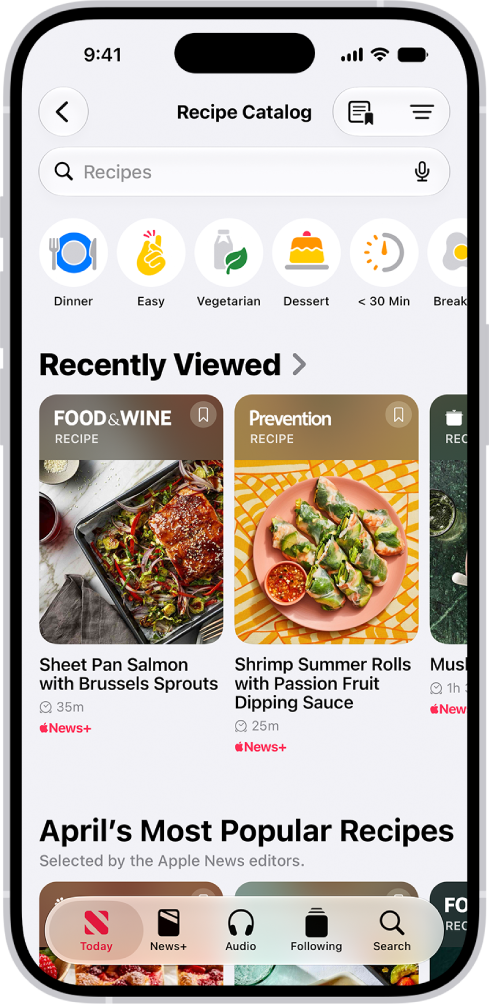
On iPhone, the News app keeps track of a wide variety of channels, topics, stories, and recipes, which makes it easy to find content that interests you. In the Search tab, you can enter the name of a channel, a topic like fashion or politics, an event, or a recipe title.
- Start the News app on your iPhone.
- Tap the Search tab and tap the search field.
- Enter any of the following:
- The name of a channel, such as Scientific American or Washington Post
- A topic, such as fashion, business, or politics
- An event, such as an upcoming meteor shower
- A recipe title, ingredient, or keyword
- Tap the Search button.