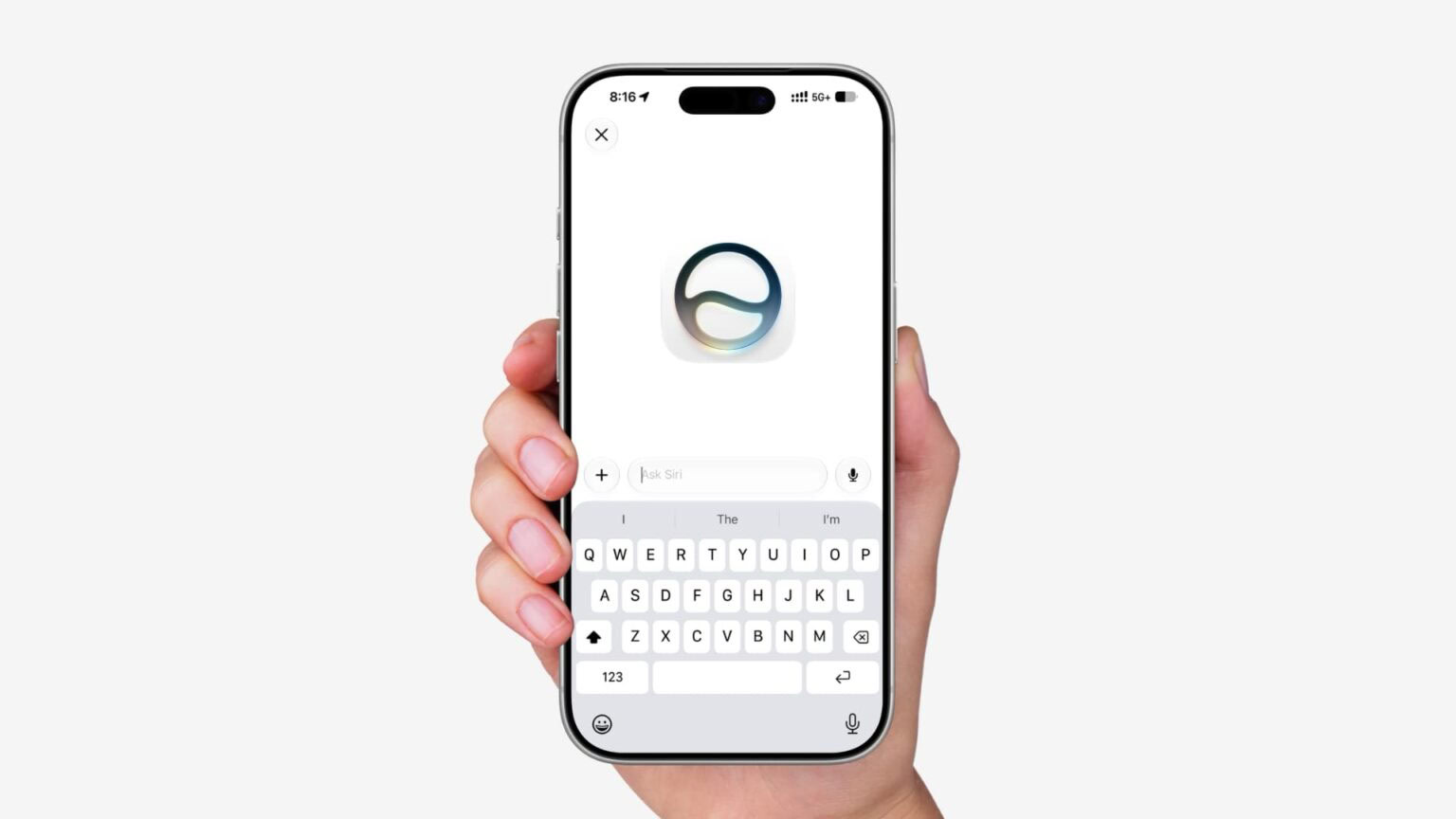
In iOS 27, there is a dedicated Siri app where you can start new conversations or revisit past conversations you’ve had with Siri. The app has a card-style interface with details on your most recent conversations across all of your devices. You can also use the search button to find conversations, and there’s a pin option for conversations that you revisit frequently. Here’s how to find and revisit past Siri chats on your iPhone.
When you update to iOS 27, you’ll see the new Siri icon appear on your iPhone’s Home Screen. This app is also available on the Mac with macOS 27, Vision Pro with visionOS 27, iPad with iPadOS 27, and Apple Watch with watchOS 27.
The Siri app in iOS 27 lets you revisit all your conversations with Siri and easily start new ones. The Siri app syncs with iCloud, so you can continue conversations across all of your Apple devices. It features a chat-style interface with a stream of your previous conversations. You can also upload photos and files to the Siri app for analysis.
How to Find and Revisit Past Siri Conversations in iOS 27
- Open the Siri app.
- If you’re already in a conversation when you open the app, just tap the back button in the upper left corner.
- You can tap the search icon to search your current conversations.
- Tap the menu icon in the upper right (it looks like three horizontal lines) to sort your conversations.
- List view is the default option. You can also sort conversations into a Grid.
- In Grid view, you can tap the icon again to switch back to List view.
- If you want to delete any conversations, tap Select.
- Tap the circle next to a conversation to select it.
- Tap the delete icon (it looks like a trashcan) to delete the conversation. Note: The Siri app does not ask for confirmation when deleting the conversations and there is no recently deleted folder, so be absolutely certain you want to delete the conversation before tapping the delete icon.
- You can also swipe left on a conversation for extra options.
- Tap the pin icon to pin a conversation, which moves it to the top of the list.
- Tap the delete icon to delete it.
That’s how to find your conversations in the Siri app on iPhone
The Siri app ties into the new Siri AI and Apple Intelligence capabilities introduced in iOS 27. This includes access to broad world knowledge, personal context of everything on your iPhone, and much more. Siri AI can also recognize what’s on your screen and answer questions about it.
With access to that personal context, Siri AI can reference things like your messages, emails, photos, and more to answer your specific questions.
Siri app compatibility in iOS 27
The Siri app is not available on all iPhone models. It is available on devices that support Apple Intelligence, which covers the iPhone 15 Pro and newer:
- iPhone 15 Pro
- iPhone 15 Pro Max
- iPhone 16
- iPhone 16e
- iPhone 16 Plus
- iPhone 16 Pro
- iPhone 16 Pro Max
- iPhone 17
- iPhone 17e
- iPhone Air
- iPhone 17 Pro
- iPhone 17 Pro Max
Wrap up
Apple has recently added several new iPhone apps by default, including Image Playground as part of iOS 18.2 in December 2024. Last year’s iOS 26 update added the new Preview and Games apps for iPhone users.
What do you think of the new Siri app in iOS 27? Do you find it useful? Let us know down in the comments.