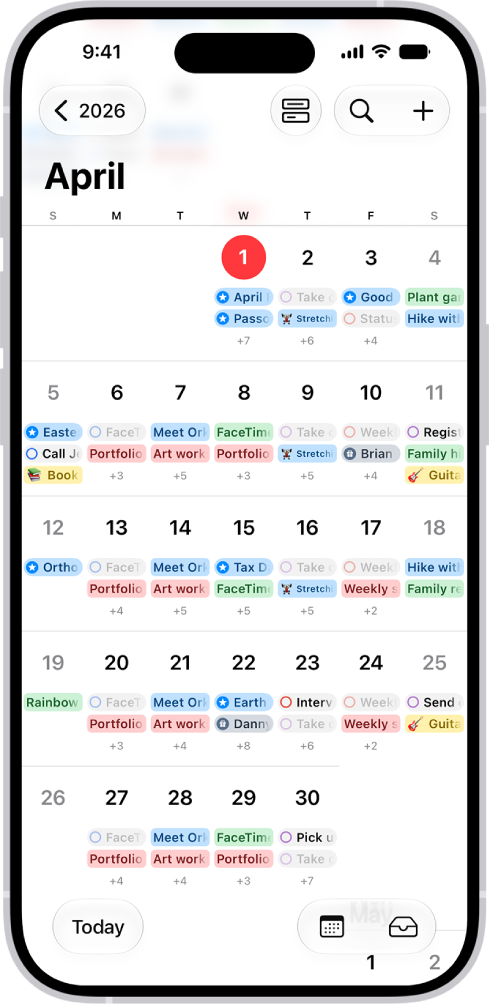
How to search for events in Calendar on iPhone

You can search for events in Calendar on iPhone by title, invitees, location, and notes, right from the Search button.

By Moses Johnson - Editor
0 Min Read

You can search for events by title, invitees, location, and notes in the Calendar app on your iPhone, and Calendar shows you the events that match. You just enter the text you want to find in the search field. Siri can tell you what’s on your calendar, too.

  1. Start the Calendar app on your iPhone.
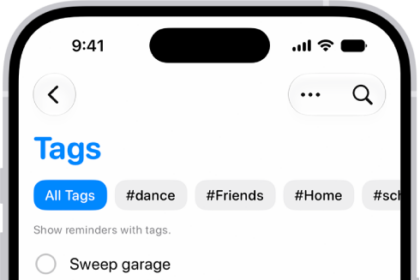
  2. Tap the Search button. Enter the text you want to find in the search field.

Siri: Ask Siri something like, “What’s on my calendar for Friday?”

TAGGED:
Follow:
Moses Johnson is the Editorial Director of GeeksChalk.com, who has a keen eye for news, rumors, and all the unusual stuff around Apple products. Moses is commonly referred to online as The Professor, with decades of experience in tech under his belt.
Leave a Comment