How to use Shortcuts to automate tasks on iPhone

You can use Shortcuts to automate tasks on iPhone with a tap or Siri, using ready-made shortcuts from the Gallery or your own.

By Abigail Shilets - Staff Writer
0 Min Read

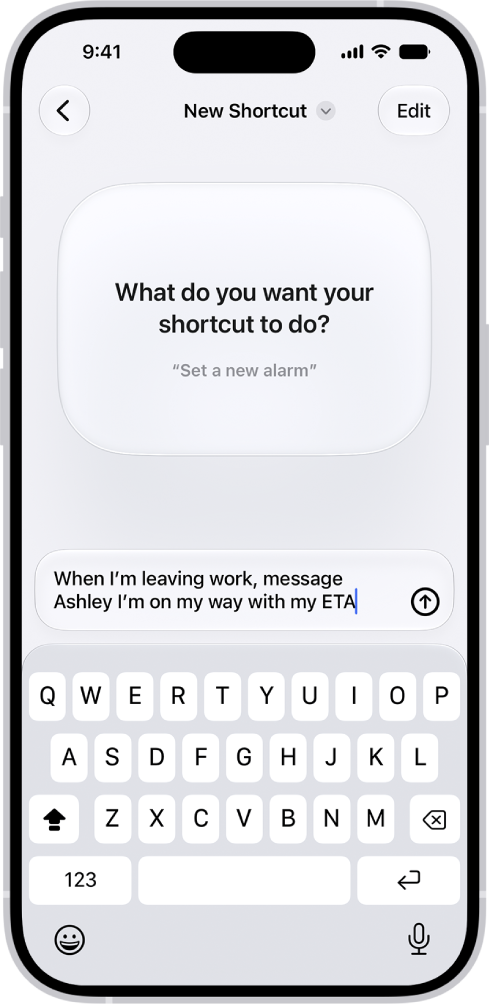
On iPhone, the Shortcuts app lets you automate tasks you do often with just a tap or by asking Siri. You can create shortcuts to get directions to the next event in your Calendar, move text from one app to another, and more.

You don’t have to start from scratch, either. You can choose ready-made shortcuts from the Gallery, or build your own using different apps to run multiple steps in a task.

TAGGED:
Staff Writer
Follow:
Abigail is a staff writer for GeeksChalk based in Pennsylvania. She covers news, how-tos, and user guides for iPhone, iPad, Mac, and Apple Watch. Before becoming a writer Abigail studied computer science at University and also worked at Apple for more than two years. When not creating masterpiece for GeeksChalk, you can usually find Abigail hiking, climbing, or otherwise unplugged.
Leave a Comment