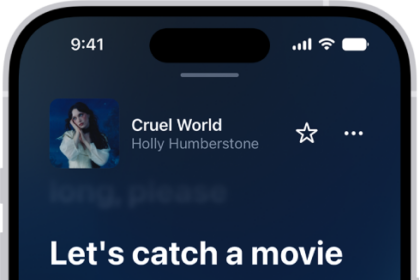
On iPad, as soon as you subscribe to Apple Music, you can make selections so that you see playlists, albums, and songs based on your preferences. If you don’t want Music to make recommendations, you can also turn off your listening history.
Apple Music asks you what you like at first, and uses those preferences when recommending music. Turning off your listening history also hides the music you play from your followers on Apple Music.
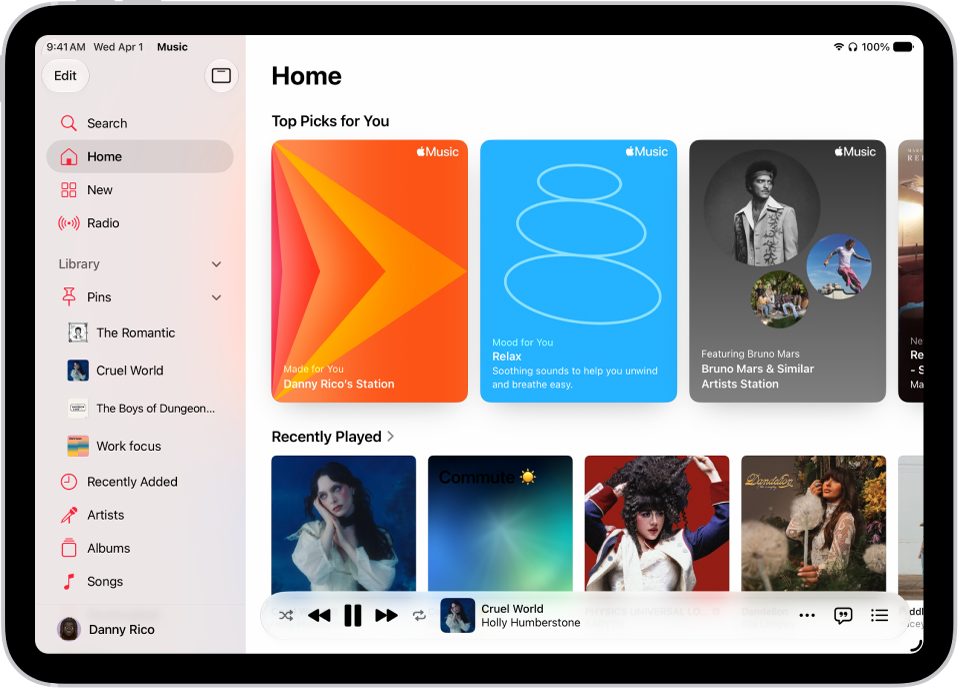
Select your favorite genres and artists
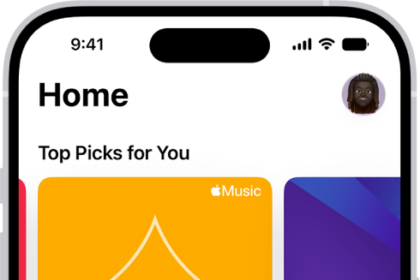
When you first tap Home in the sidebar, you’re asked to tell Apple Music what you like. Apple Music uses these preferences when recommending music.
- Open the Music app on your iPad.
- Tap the genres you like (double-tap those you love, and touch and hold the genres you don’t care for).
- Tap Next. Then do the same with the artists that appear.
Tell Apple Music to ignore your listening habits
With your listening history off, Apple Music ignores your listening habits, so new music recommendations and the contents of Replay playlists adjust to match.
- Open the Settings app on your iPad.
- Tap Apps and tap Music.
- Turn off Use Listening History.
Doing this also keeps all the music you play hidden from your followers on Apple Music. If you only want to hide certain playlists or albums, check out our guide, Hide music from your followers.
Quick tip: You can create a custom Focus to turn off Use Listening History. For example, if you’re a parent listening to your favorite songs and your child wants to listen to something they like, you can turn on that Focus so their songs don’t influence your recommendations.
See also