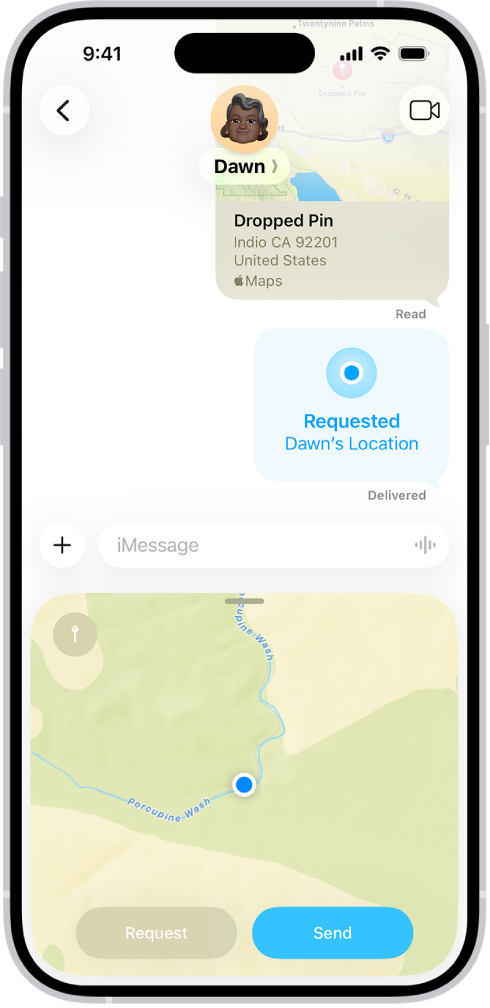
On iPad, you can share places with others in Maps. For example, you can send a message or email to show people where to meet you. A place on the map or a search result can be shared from the top of its place card.
Quick tip: Even when the Maps app isn’t open, you can share your current location: Touch and hold Maps on the Home Screen, and then tap Send My Location. Read our article, Perform quick actions.
- Start the Maps app on your iPad.
- Tap a place on the map or a search result.
- Tap the Share button (at the top of the place card) and choose an option.
You can also touch and hold the place, then tap Share Location.
See also