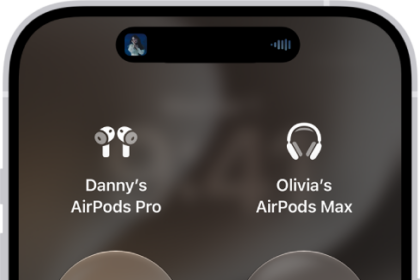
You can keep the noise down on Apple TV 4K by sending audio to up to two pairs of compatible Apple wireless headphones, such as AirPods or compatible Beats headphones. It all starts in Control Center on Apple TV 4K, with Share Audio, which walks you through pairing the second pair of headphones.
- Press and hold the TV Control Center button on the Siri Remote to open Control Center and then go to the AirPods icon at the top of the screen (next to the time display).

- Select Share Audio and then follow the onscreen instructions to pair the second pair of headphones.
This guide is for iOS 27, iPadOS 27, macOS 27, tvOS 27, watchOS 27, or later.
See also