You can use the Files app and other supported apps to access files stored on external devices, such as USB drives and SD cards, connected to your iPad. Depending on your iPad model and device, you may need an adapter. And the device must have only a single data partition.
Connect a USB drive or an SD card reader
- Attach the USB drive or SD card reader to the charging port on your iPad using a compatible connector or adapter.
Depending on your iPad model and external device, you may need the Lightning to USB Camera Adapter, Lightning to USB 3 Camera Adapter, USB-C to SD Card Camera Reader, or Lightning to SD Card Camera Reader (all sold separately).
On models that support Thunderbolt / USB 4, you can connect multiple USB drives and other Thunderbolt devices to each other, and then connect the chain of devices to the charging port on your iPad.
Note: An external storage device must have only a single data partition, and it must be formatted as APFS, APFS (encrypted), macOS Extended (HFS+), exFAT (FAT64), FAT32, or FAT. To change the formatting of a storage device, use the Files app on iPad or a Mac or PC.
- Do any of the following:
- Insert an SD memory card into a card reader: Don’t force the card into the slot on the reader; it fits only one way.
Note: You can import photos and videos from the memory card directly to the Photos app. See Import and export photos and videos on iPad.
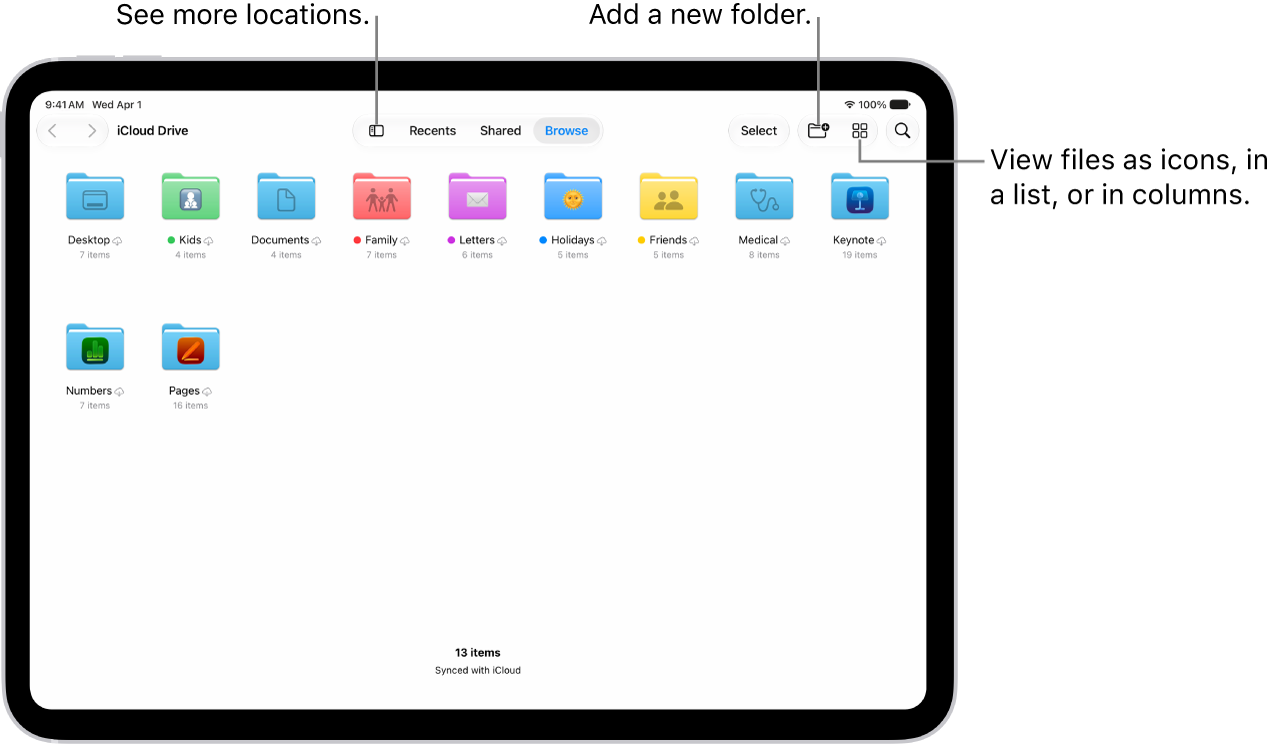
- View the contents of the drive or memory card: In a supported app (for example, Files), tap Browse at the bottom of the screen and then tap the name of the device below Locations. If you don’t see Locations, tap Browse again at the bottom of the screen.
- Disconnect the drive or card reader: Remove it from the charging port on iPad.
- Insert an SD memory card into a card reader: Don’t force the card into the slot on the reader; it fits only one way.
When you use them with iPad, external hard drives often need an external power source. If a drive doesn’t supply its own power, a powered USB hub works on models that support Thunderbolt / USB 4. On an iPad with a Lightning connector, connect a USB power adapter to the Lightning to USB 3 Camera Adapter.
See also